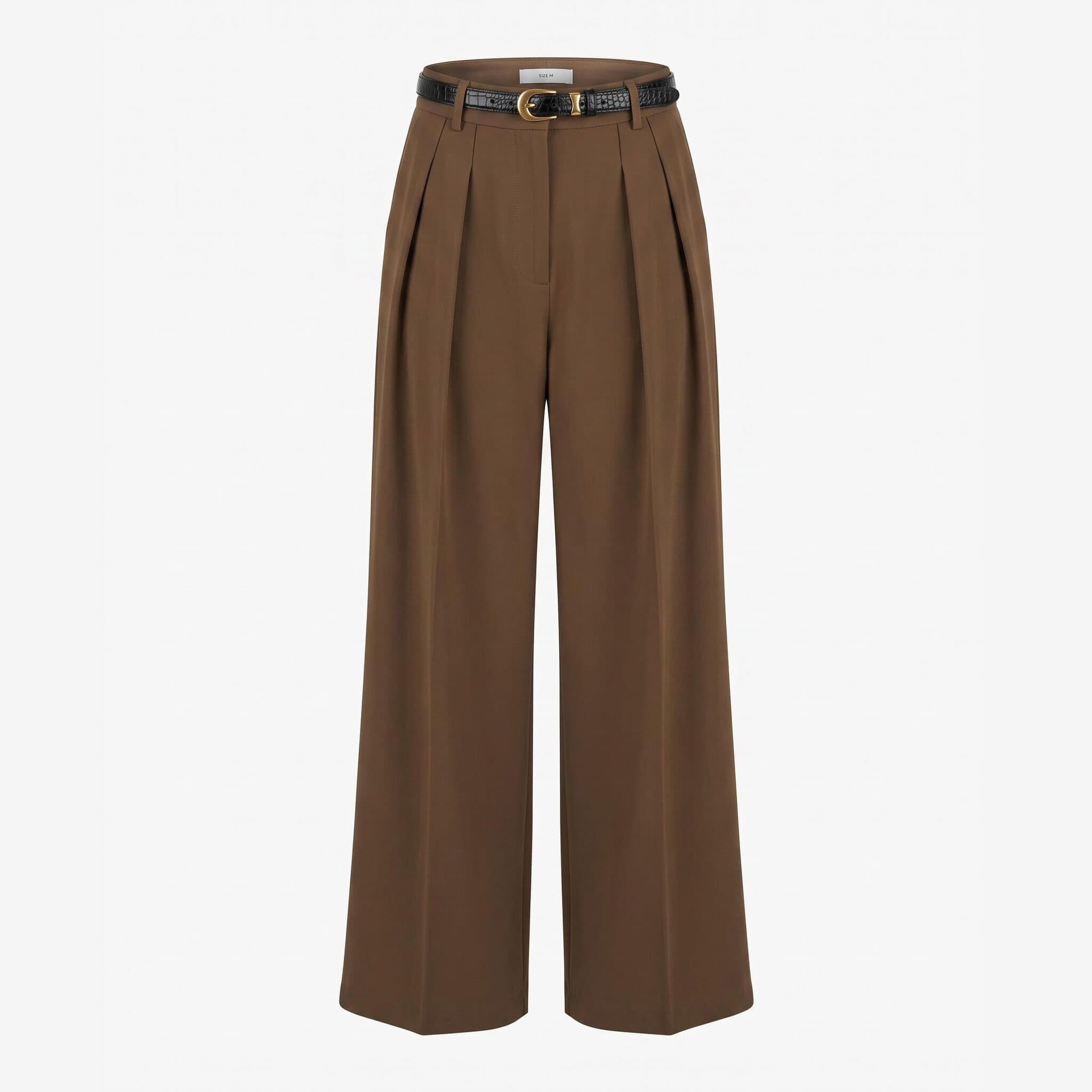
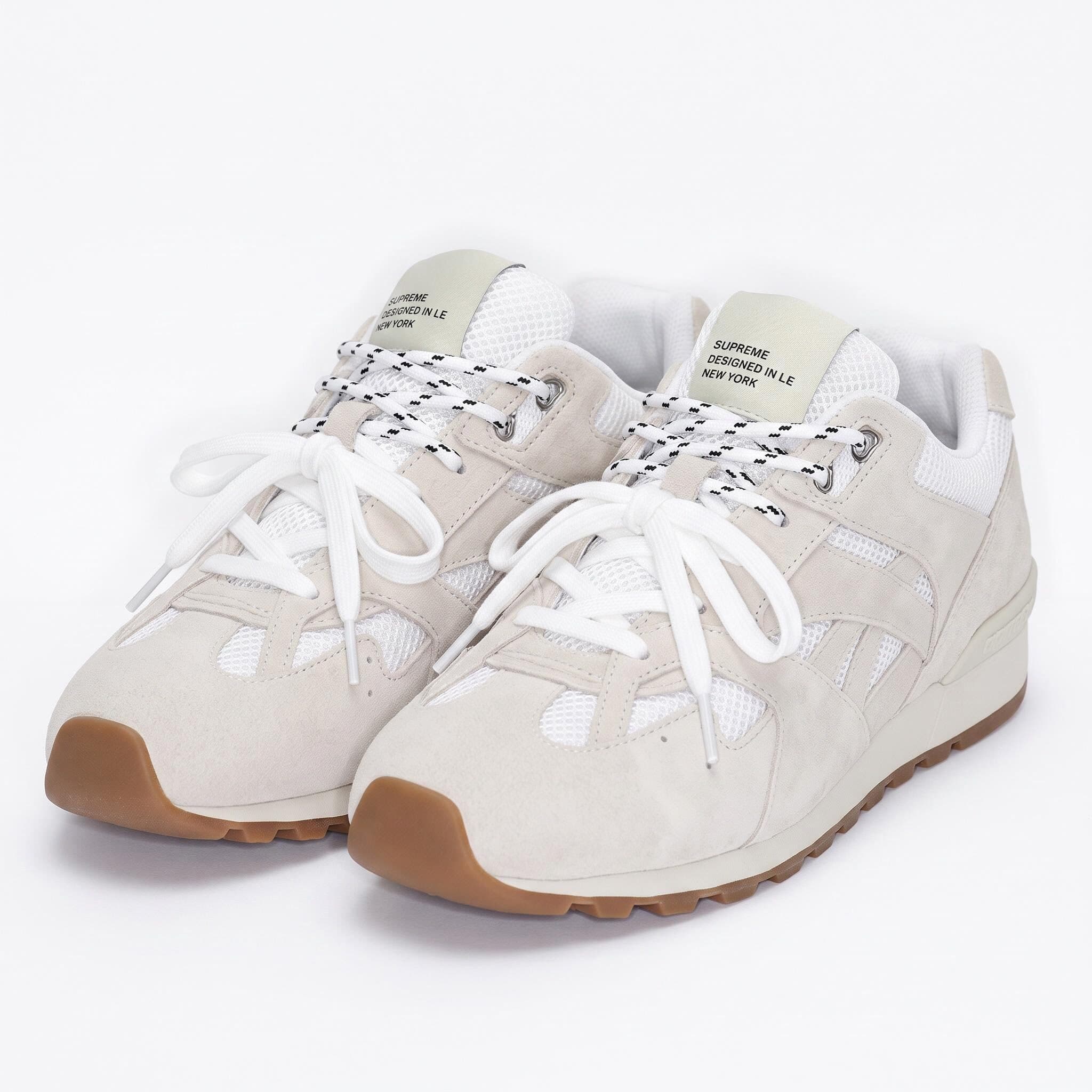
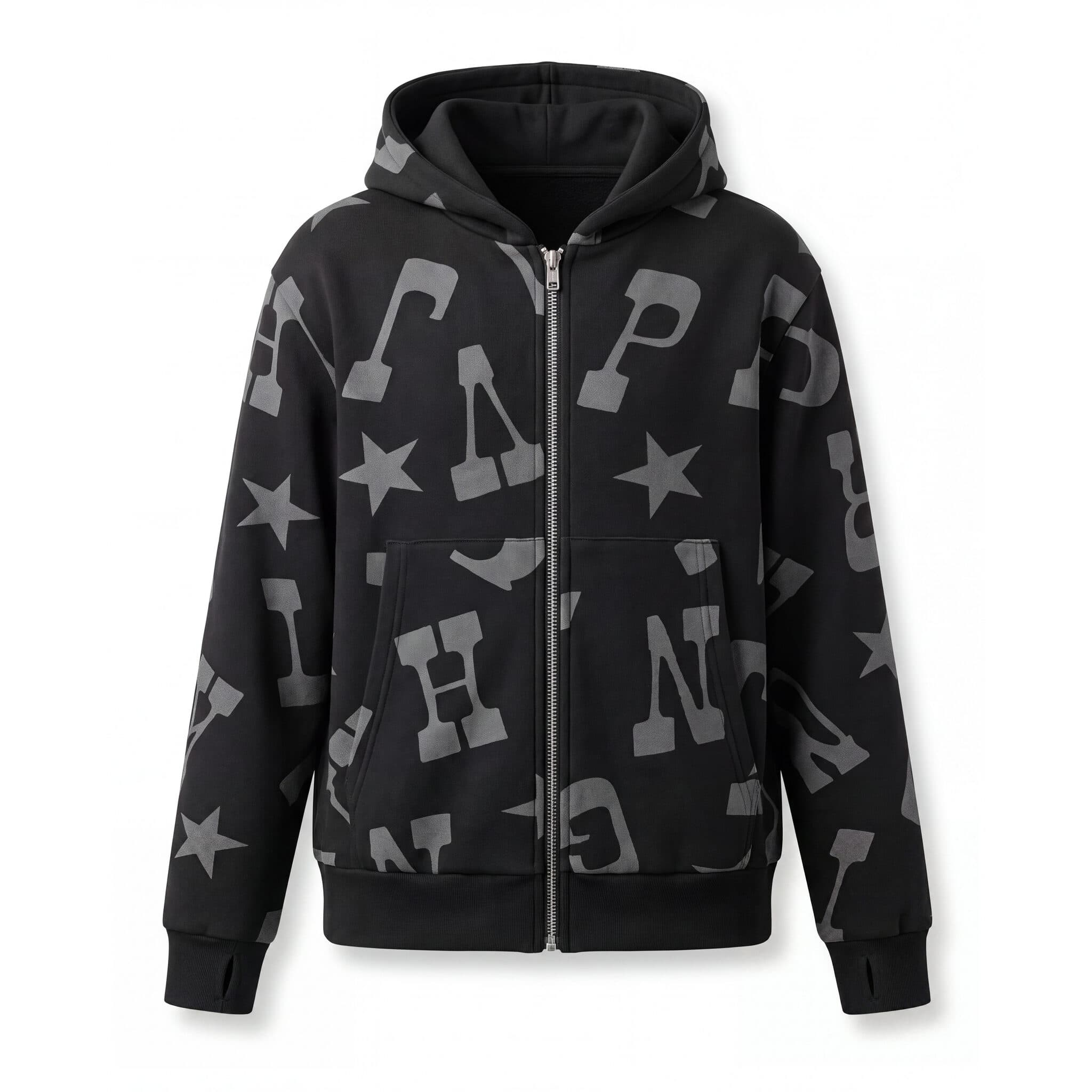
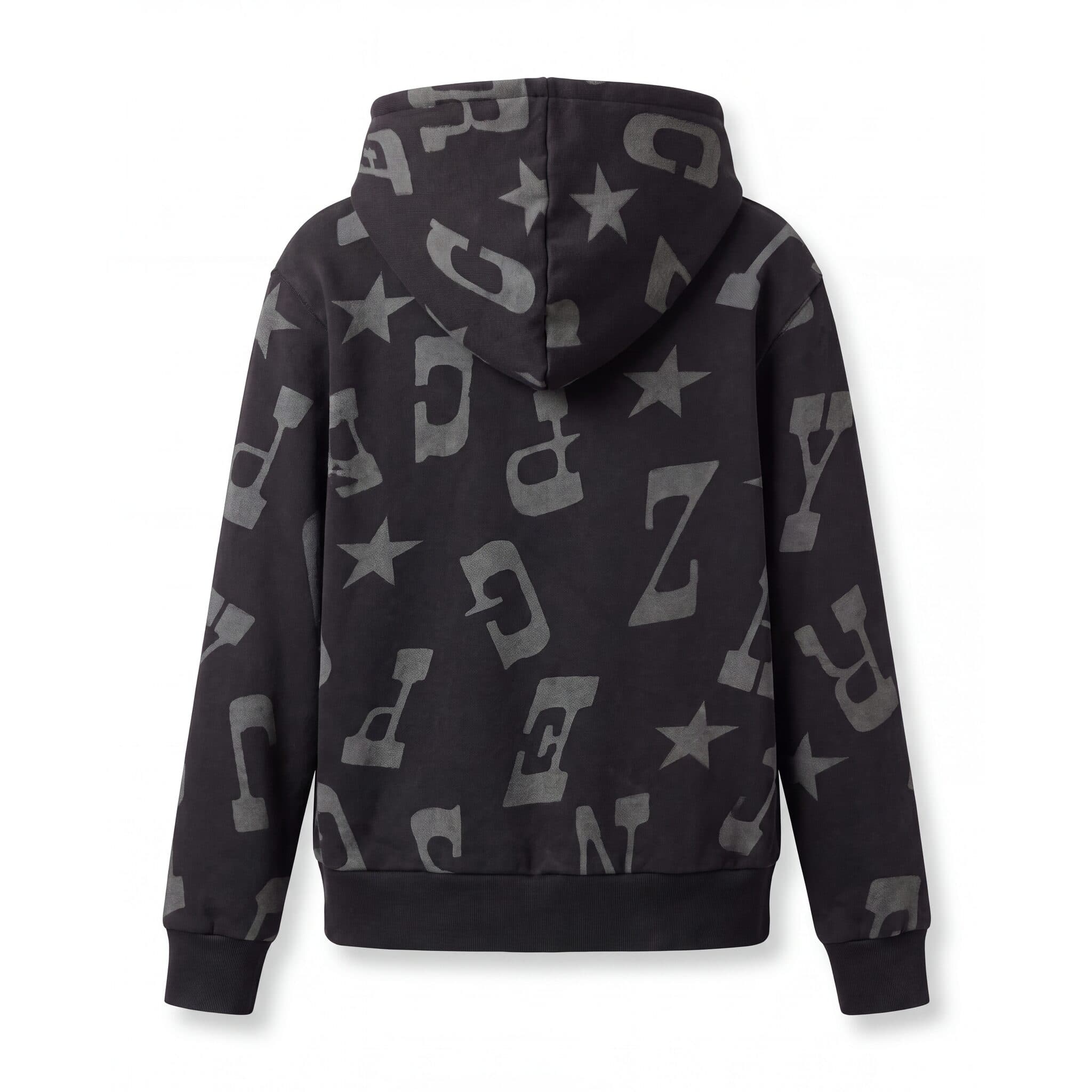
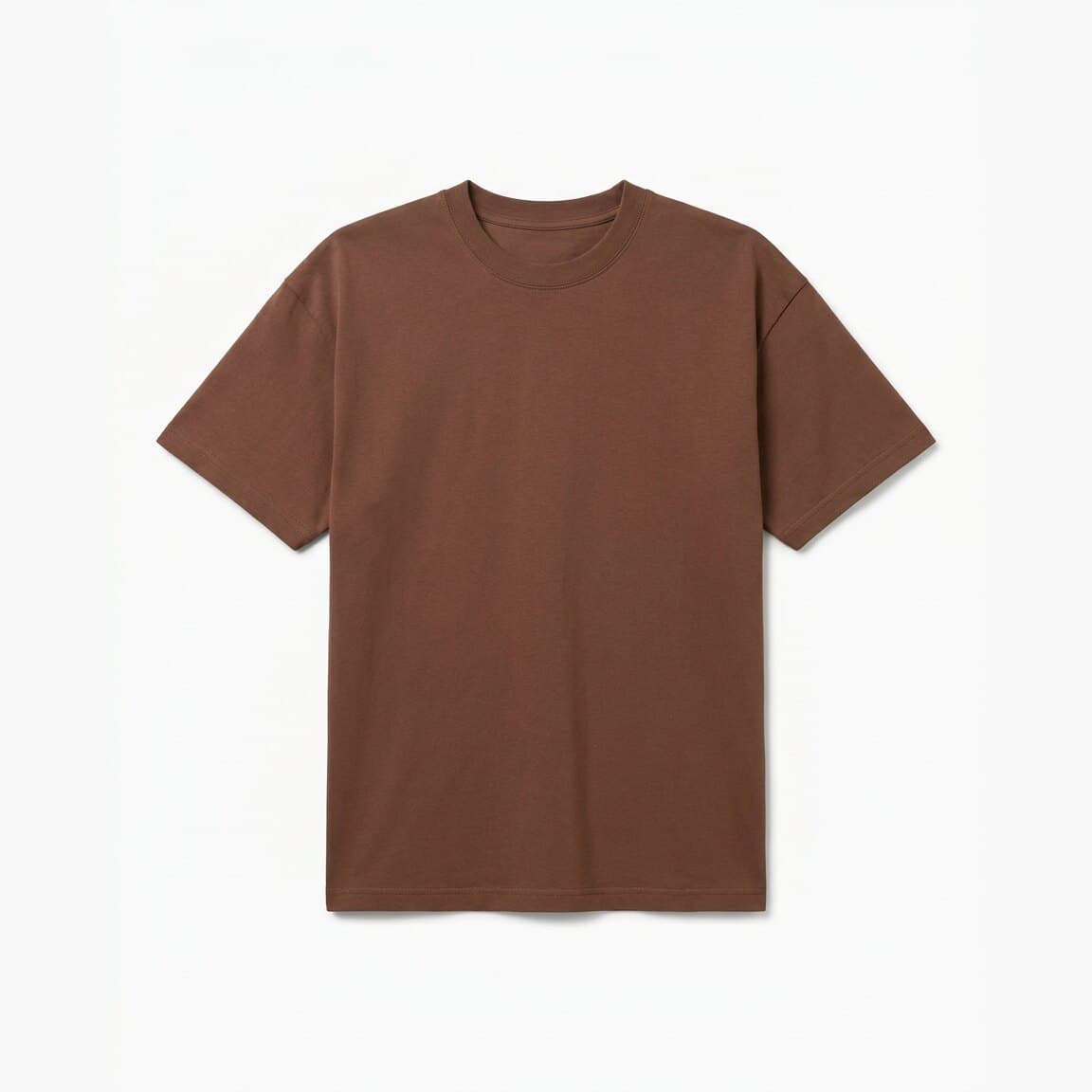
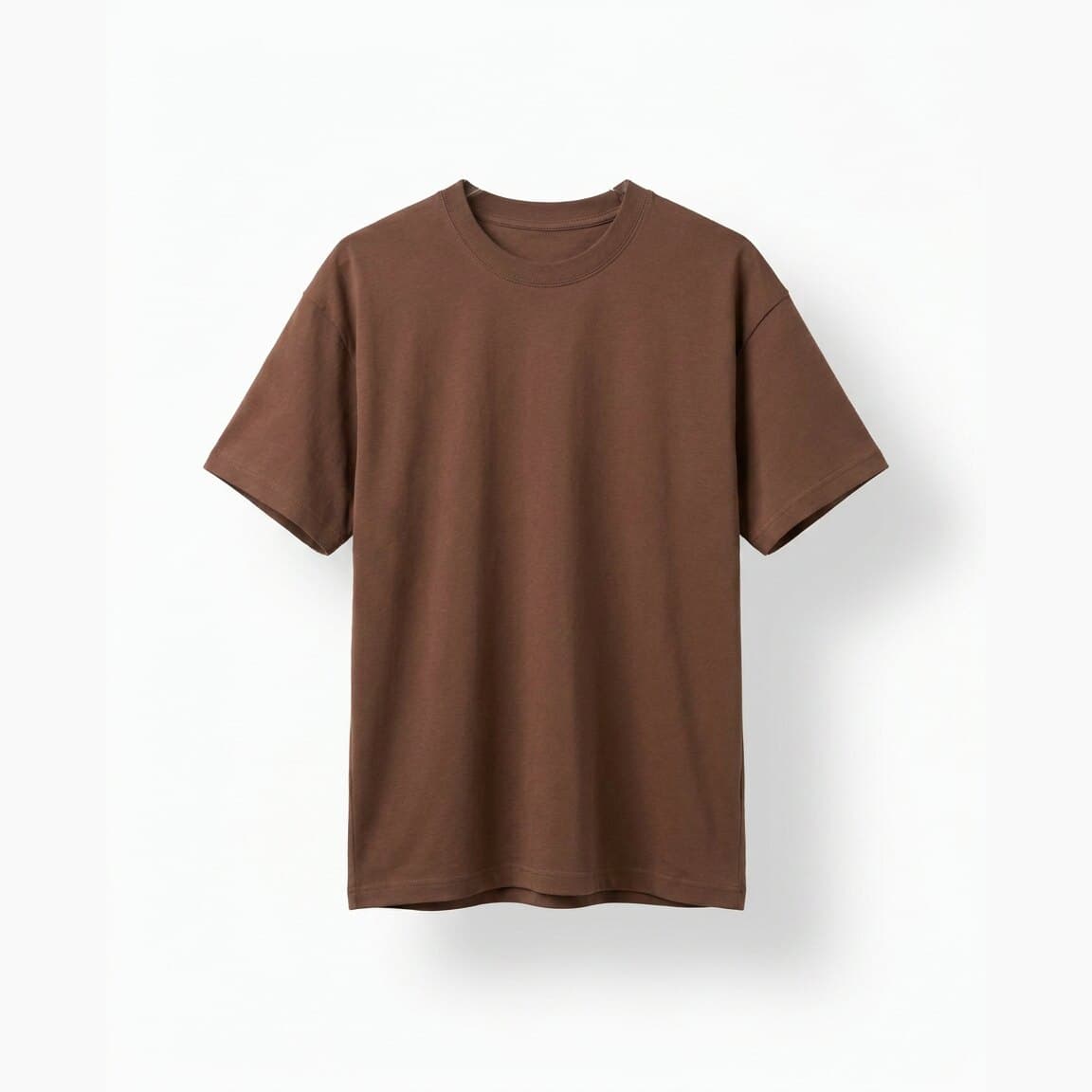
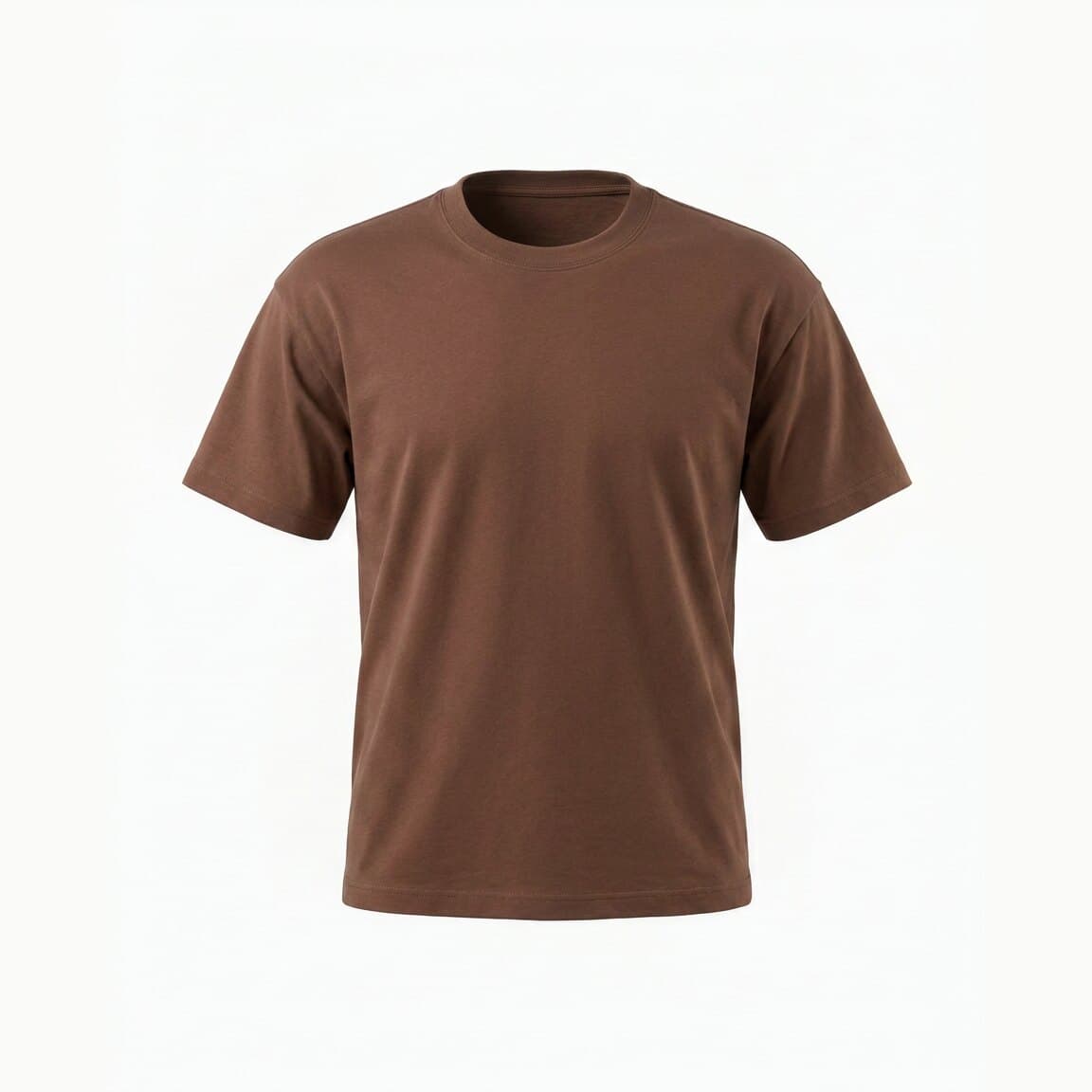
Upload a front photo of your garment, add the back view if you have one, and get a clean packshot on a white background.
Pick Flat Lay, Invisible Hanger, or Ghost Mannequin, then use the images on product pages, marketplaces, catalogs, and linesheets.
Best for: Tees, knitwear, accessories

Ghost Mannequin — 3D worn shape, mannequin removed
Pick the product type before you generate and Tellos shapes the result for it: tops, bottoms, dresses, bikini tops, bikini bottoms, and shoes. Every image comes back on the same clean background, at the same scale, in the same style, so product grids, marketplace listings, and linesheets stay consistent from the first SKU to the last.


A packshot is a photo of one product shot on its own against a plain white or neutral background, with no model, no props, and nothing else competing for attention. In fashion ecommerce it is the first image a shopper sees on a product detail page, in a marketplace listing, or on a wholesale linesheet, and it is the image most channels judge a listing by.
Apparel packshots come in three standard formats. A flat lay shows the garment laid flat and shot from above. An invisible hanger shot shows it hanging with the hanger removed in post. A ghost mannequin shot keeps the garment's three-dimensional worn shape with the mannequin taken out. Producing any of the three the traditional way means a table or a body form, controlled lighting, a steamer, and a retouching pass for clipping paths and cutouts.
An AI packshot generator does that work from a photo you already have. Upload a front image of the garment, add the back view if you have one, pick one of the three styles, and Tellos returns a packshot ready for a product page, a marketplace listing, a catalog spread, or an ad.
| Style | What it shows | Best for | Effort without AI |
|---|---|---|---|
| Flat Lay | Garment flat, full cut and print | Tees, knitwear, accessories, basics | Table, overhead rig, steaming, background cleanup |
| Invisible Hanger | Garment hanging, natural shoulder and drape | Shirts, dresses, coats, denim | Hanger shoot plus manual hanger retouching |
| Ghost Mannequin | 3D body shape, hollow neck opening | Blazers, outerwear, structured tailoring | Several shots composited, mannequin removed by hand |
The garment is laid flat and photographed straight from overhead on a clean background. Shows the full cut, print, and trim with no body shape.
Best for: Tees, knitwear, accessories
The garment hangs the way it would in store, with the hanger taken out of the frame. Keeps the shoulder line and the drape without anything holding it up.
Best for: Shirts, dresses, outerwear
Also called invisible mannequin or hollow man. The garment holds a full three-dimensional body shape, including the inside back neck, with the mannequin gone.
Best for: Blazers, coats, tailoring
Need your product on a person instead of on its own? Use the AI lookbook generator for on-model editorial images, or the AI video generator to turn the same product photo into a fashion video. Packshots start free — see Tellos pricing for bulk generation across a full catalog.
Upload a clear photo of the full garment. The front view is required and the back view is recommended for the strongest result. Flat lay, mannequin, and on-hanger photos all work.
Choose what you uploaded — top, bottom, dress, bikini top, bikini bottom, or shoes — then pick one of three styles: Flat Lay for a top-down shot of the garment laid flat, Invisible Hanger for a natural hanging look with the hanger removed, or Ghost Mannequin for a three-dimensional worn shape with nothing visible inside.
Select 1:1 for square marketplace and grid images, 3:4 for taller product page and catalog crops, or 4:5 for social and feed placements.
Click Generate Packshot and create your free Tellos account to run it, no credit card required. The garment is rendered in the style you picked on a clean white or neutral background.
Download the finished packshot and add it to your product pages on Shopify, Amazon, or your own site, or use it in catalogs, linesheets, and ads. Keep one style across SKUs for a consistent grid.
Lead your product page with a clean packshot that shows cut, color, and detail on a neutral background. Pair two styles, like a ghost mannequin next to a flat lay, so shoppers can read the fit before they scroll.
Most marketplaces want a main image on plain white with the product filling the frame and no props, text, or logos. Generate packshots in that format for Amazon, eBay, Zalando, and the other channels you sell on, then check each channel's current rules before you upload.
Buyers scan a linesheet quickly, so every style needs the same crop and background. Produce a matching packshot for each SKU and drop them straight into your linesheet or B2B portal.
Build a seasonal catalog or PDF without booking tabletop studio time. Consistent packshots keep the grid aligned page after page.
Cutout packshots sit cleanly on colored backgrounds, price tiles, and carousel frames. Use them as the base layer for performance creative, and for new arrival, back in stock, and sale emails where the product has to stay readable at small sizes.
Run every colorway of a style through the same format so the variant thumbnails match, with no drift in angle, crop, or background. When samples land close to launch, photograph one on a hanger, generate the packshot, and get the product live.
More on product imagery and ecommerce conversion in the Tellos blog.
Everything you need to know about AI packshot generation
A packshot is a product-only photo, shot in isolation on a plain background so nothing distracts from the item. The term comes from advertising, where the packshot was the frame that showed the product or its packaging. You will also see it called a still life, a cutout, or a product-only shot, and in apparel it usually means a flat lay, an invisible hanger shot, or a ghost mannequin shot.
An AI packshot generator turns an ordinary garment photo into a clean, studio-style product image without a photographer, a mannequin, or a manual retouching pass. In Tellos you upload a front photo of the garment, pick Flat Lay, Invisible Hanger, or Ghost Mannequin, and generate a packshot on a white or neutral background that is ready to upload to your store.
A packshot isolates the garment on a plain background so a shopper can read cut, color, and detail. A lifestyle photo puts it in a scene, usually on a person, to set mood and context. Most product pages need both: packshots to carry the listing and meet channel requirements, lifestyle images to sell the look. Tellos covers the second half in the AI lookbook generator, where the same garment photo goes on a model.
Yes. Ghost mannequin, invisible mannequin, and hollow man all describe the same result: a garment holding its worn three-dimensional shape with nothing visible inside it, including the inner back collar you would otherwise see through the neck opening. Studios usually get there by shooting the garment on a mannequin, shooting the neck separately, and compositing the two by hand.
That is what this tool is for. Upload a photo of the garment flat, on a hanger, or on a mannequin, choose Ghost Mannequin, and Tellos builds the three-dimensional worn shape and the hollow neck opening from that image. You do not need a body form, a light tent, or a retoucher on call, and you can rerun a SKU whenever the sample changes.
An invisible hanger shot shows a garment hanging the way it would on a rail, with the hanger taken out of the final image so the piece appears to float. It keeps the vertical drape you lose in a flat lay, which suits dresses, shirts, knitwear, and outerwear. Choosing Invisible Hanger in Tellos gets you that look without buying acrylic hangers or masking one out by hand.
You choose one style per generation. Flat Lay reads best for tees, knitwear, and sets. Invisible Hanger suits pieces defined by their drape. Ghost Mannequin suits structured pieces where the shoulder line matters. Run the same photo again with a different style if you want two views on one product page, and a common pairing is a ghost mannequin lead image with a flat lay in the second slot.
Pick the garment type before you generate: top, bottom, dress, bikini top, bikini bottom, or shoes. Telling Tellos what it is shaping matters, because a bikini top, a pair of jeans, and a sneaker each need a different silhouette. Swimwear and shoes work the same way as apparel — upload the product photo, choose the type, and generate.
Three ratios are available: 1:1 for square marketplace thumbnails and product grids, 3:4 for taller product page and catalog crops, and 4:5 for social feeds and paid placements. Pick the ratio before you generate so the garment is composed for that frame instead of cropped afterwards.
Upload a clear photo of the full garment. The front view is required, and the back view is recommended because it gives the model more of the garment to work from. Flat lay, mannequin, and on-hanger photos all work, including phone photos, as long as the lighting is even, the whole garment sits inside the frame, and the fabric is not bunched or folded over itself.
Tellos stays as close to your original photo as it can on color, print placement, fabric texture, stitching, buttons, and trims, and rebuilds only the parts a physical setup would hide, like the inner back collar on a ghost mannequin. How much it can hold onto depends on how much of the garment is visible in the input, so upload a sharp, evenly lit photo and review each result before you publish it.
The output is a clean image on a white or neutral background with consistent framing, which is the format storefronts and marketplaces expect, and you can upload it to Shopify, Amazon, Etsy, or your own site. Each channel sets its own rules. Amazon, for example, asks for a pure white main image and has extra requirements in some apparel categories, so check the current guidelines for the categories you sell in.
Paid plans include bulk generation, so you can run a full collection in one pass instead of one product at a time, with the same style applied to every SKU. That is what keeps a product grid looking deliberate, and it matters most when garments were shot months apart or arrived from different suppliers.
Yes. Packshots you generate are yours to use commercially on your Shopify store, marketplace listings, catalogs, wholesale linesheets, ads, email, and social. Because these styles show the garment only, with no person in the frame, there is no model release to track.
Yes. You can generate packshots on the free tier with no credit card, so you can test the output on your own garments before you pay for anything. Paid plans add higher volume and bulk generation for larger catalogs, and current pricing is on the Tellos pricing page.
A studio shoot gives you full art direction with the physical sample in the frame, but it means shipping garments, booking a photographer and studio time, owning or renting ghost mannequin equipment, and paying for retouching, and a reshoot means going back. An AI packshot generator works from a photo you already have, so a new drop can go live without waiting on a studio slot and any SKU can be redone. Plenty of brands run both: studio for campaign imagery, AI packshots for catalog volume.