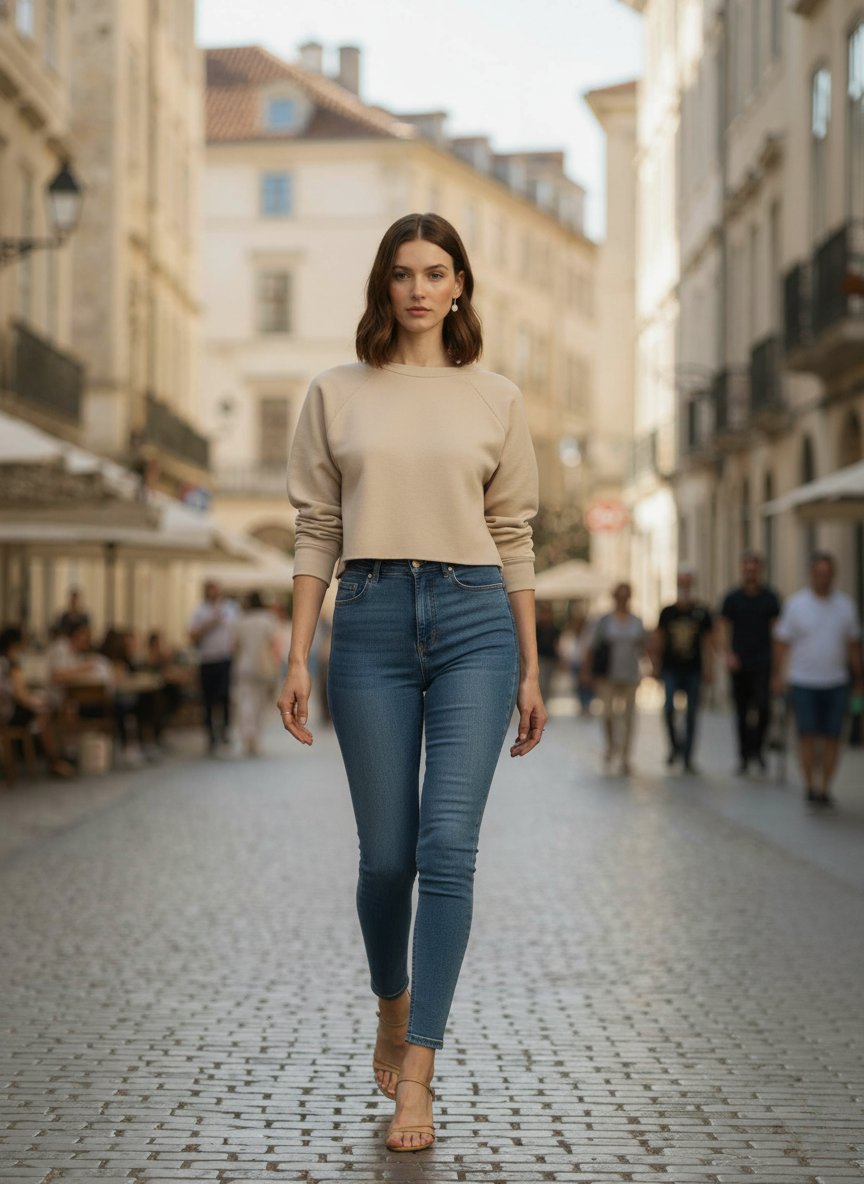
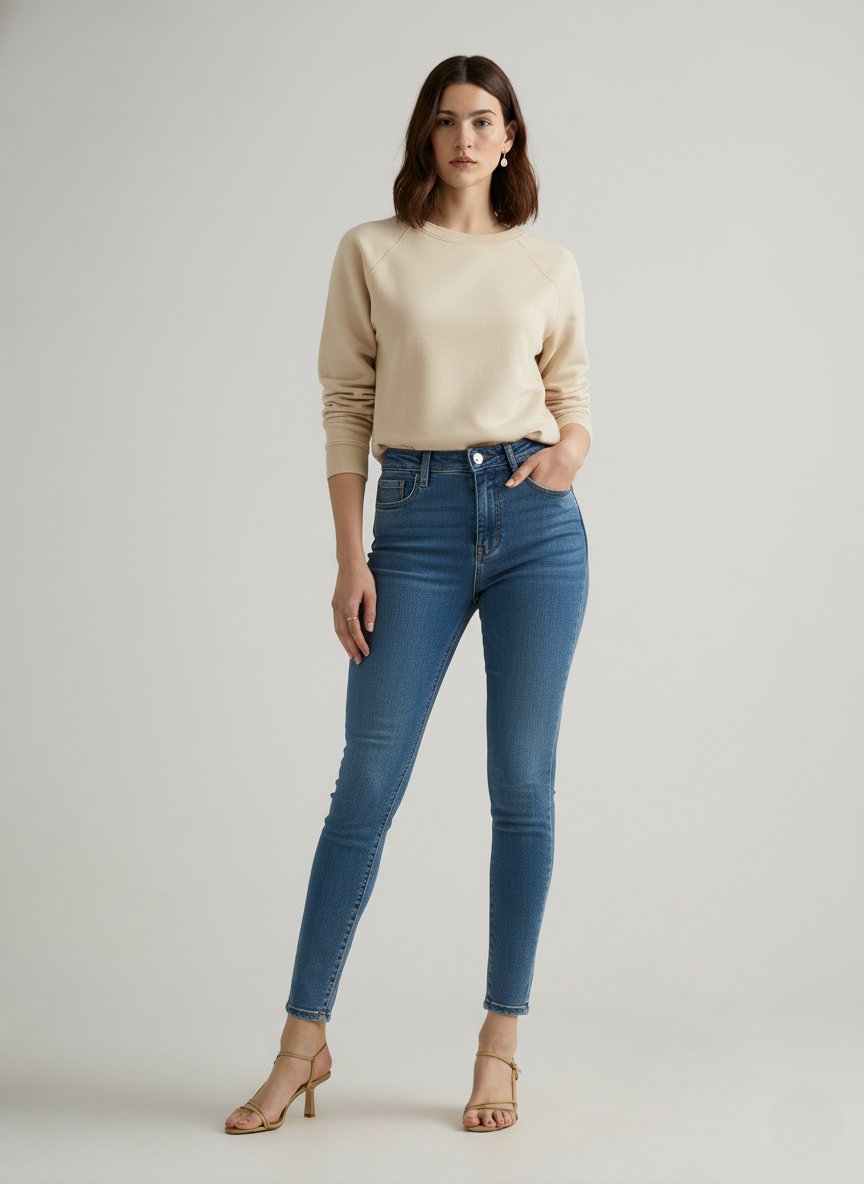
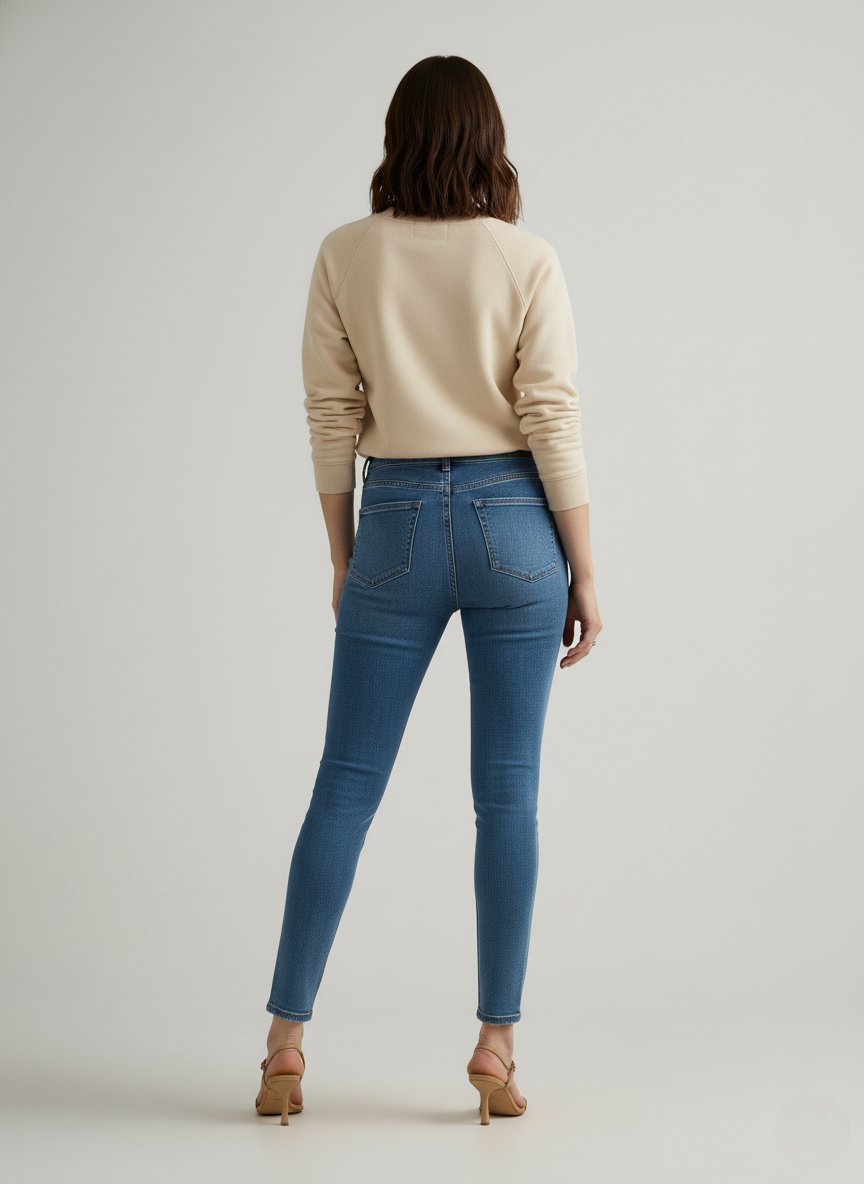
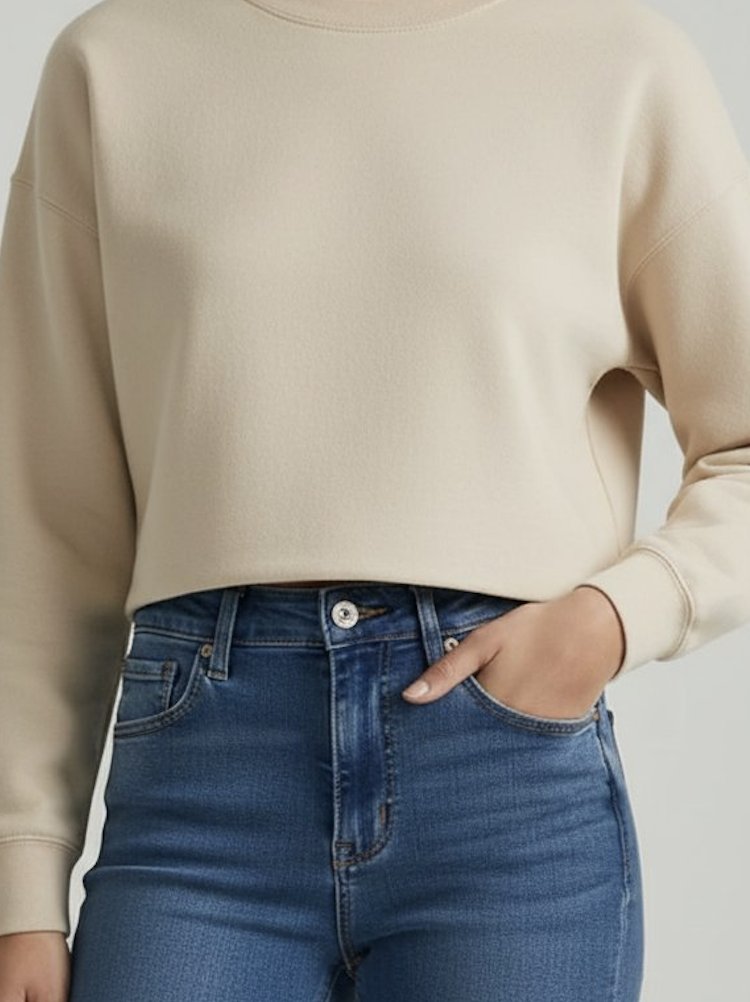
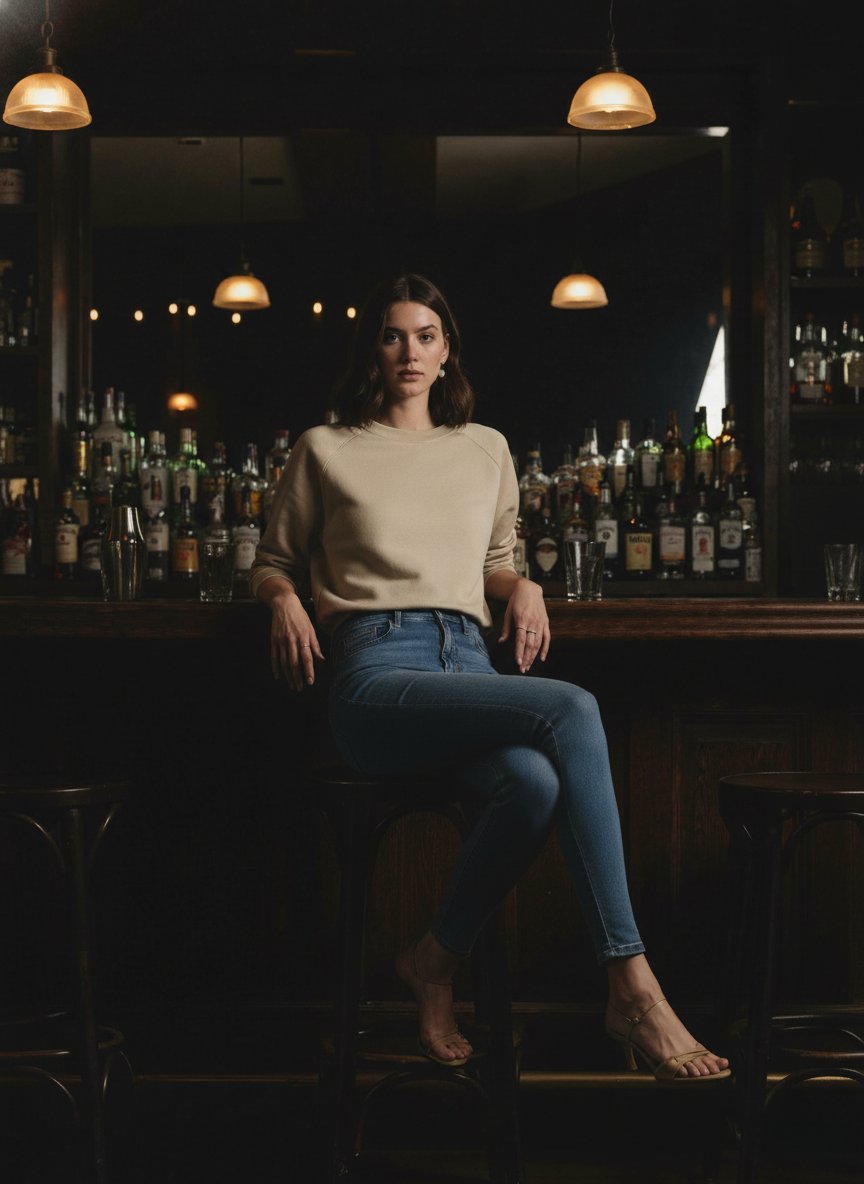
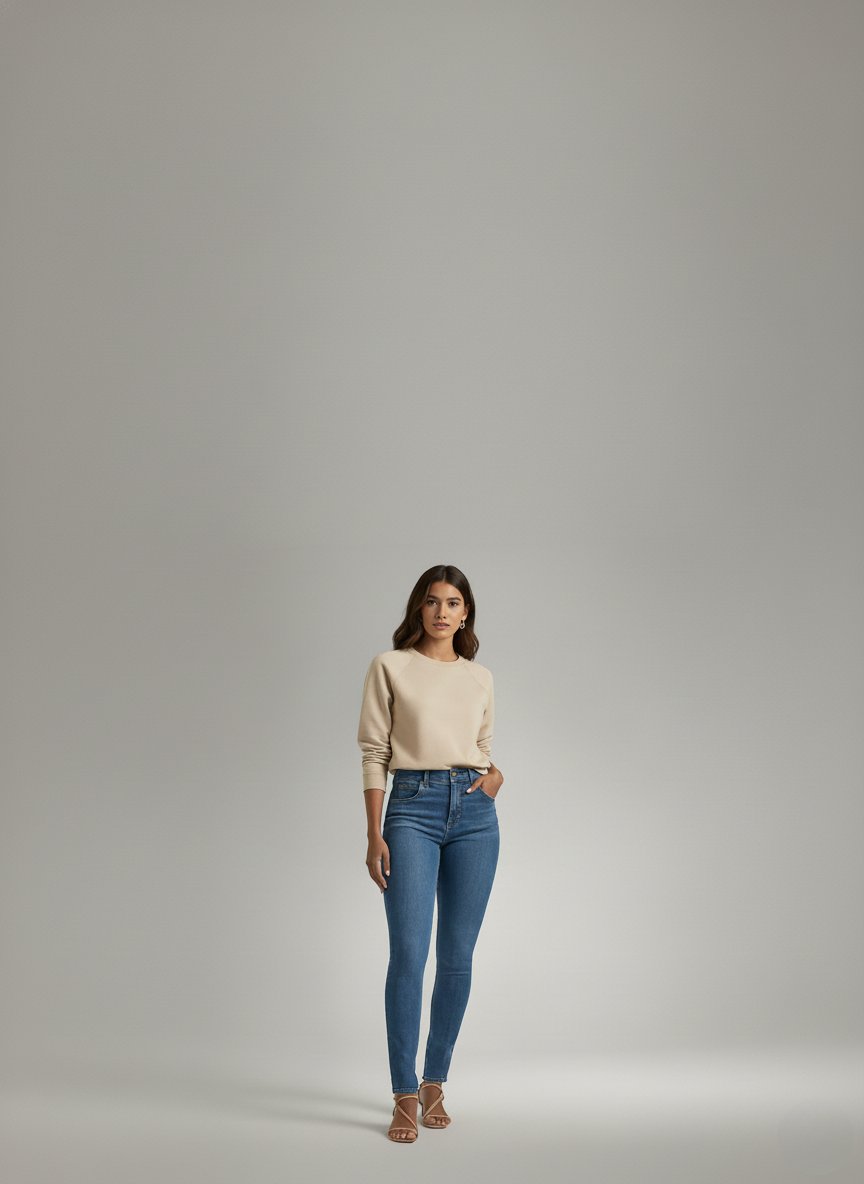
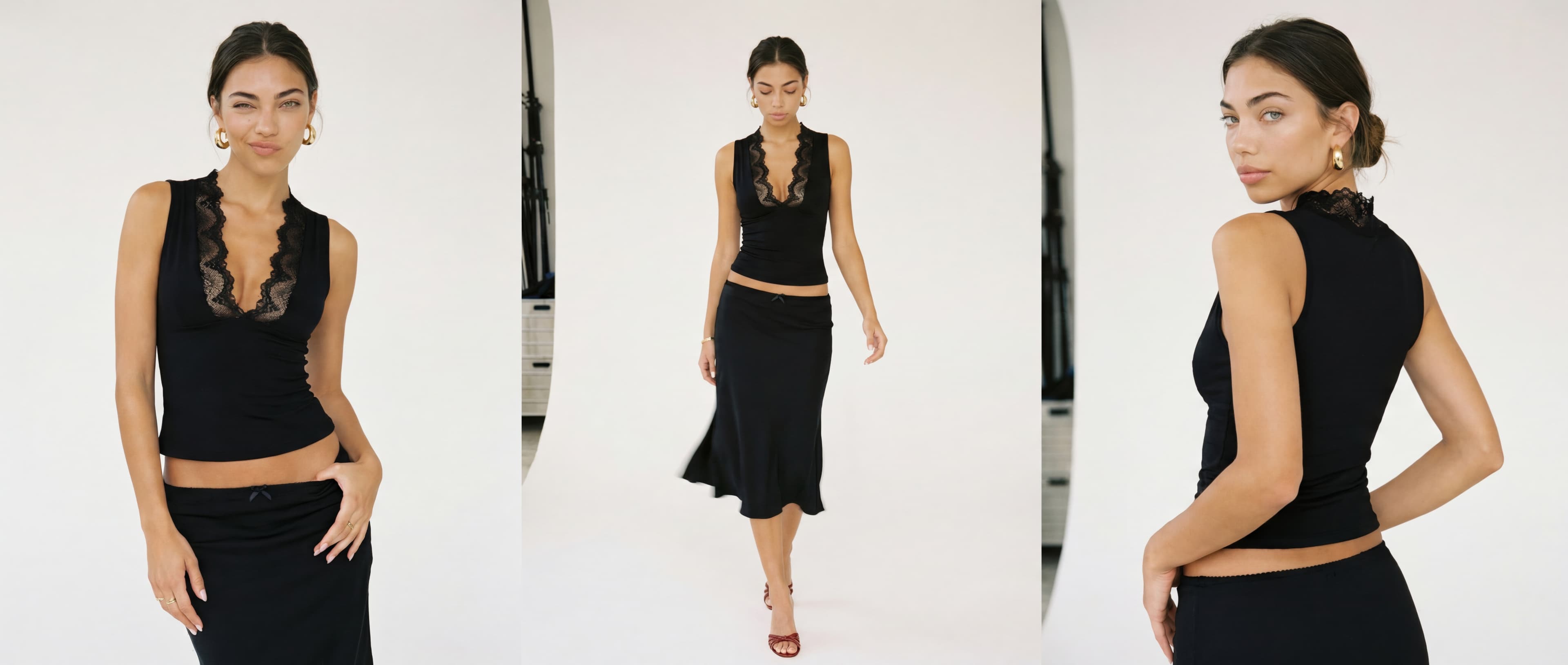
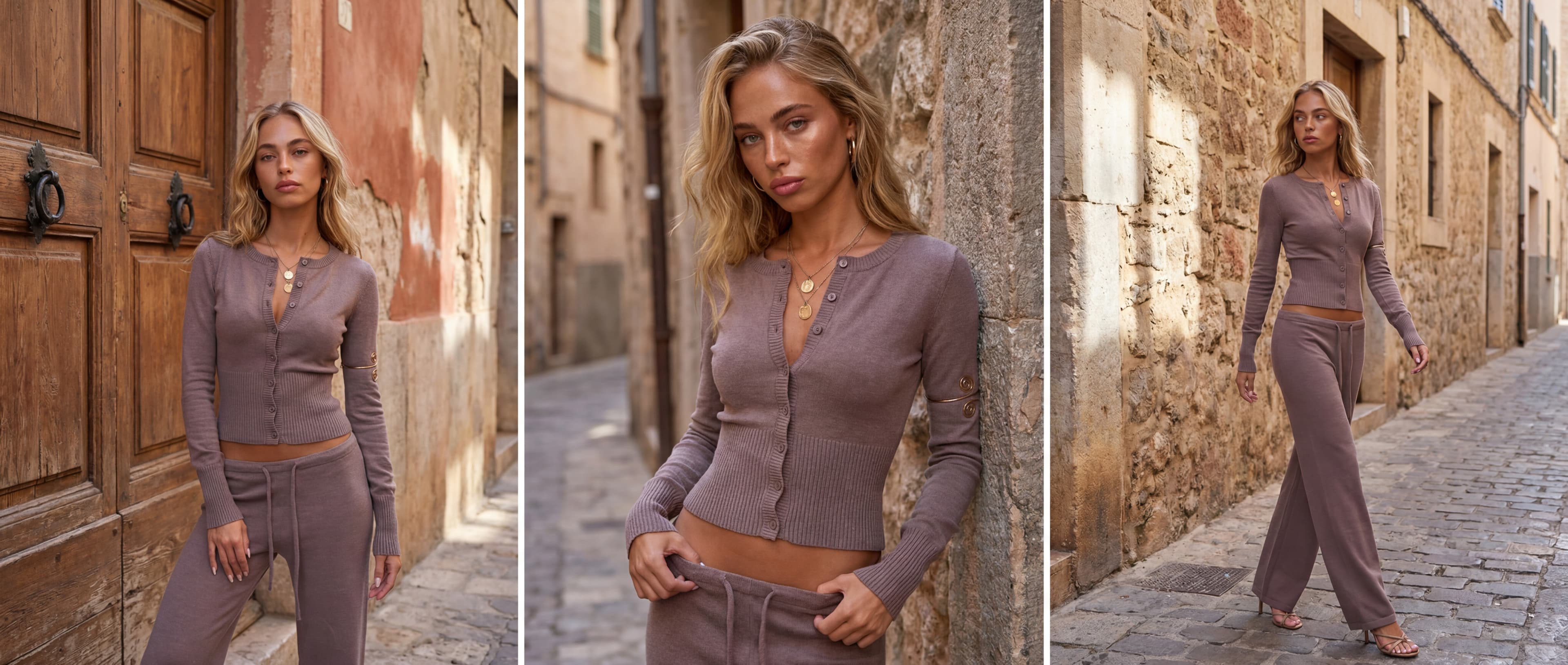
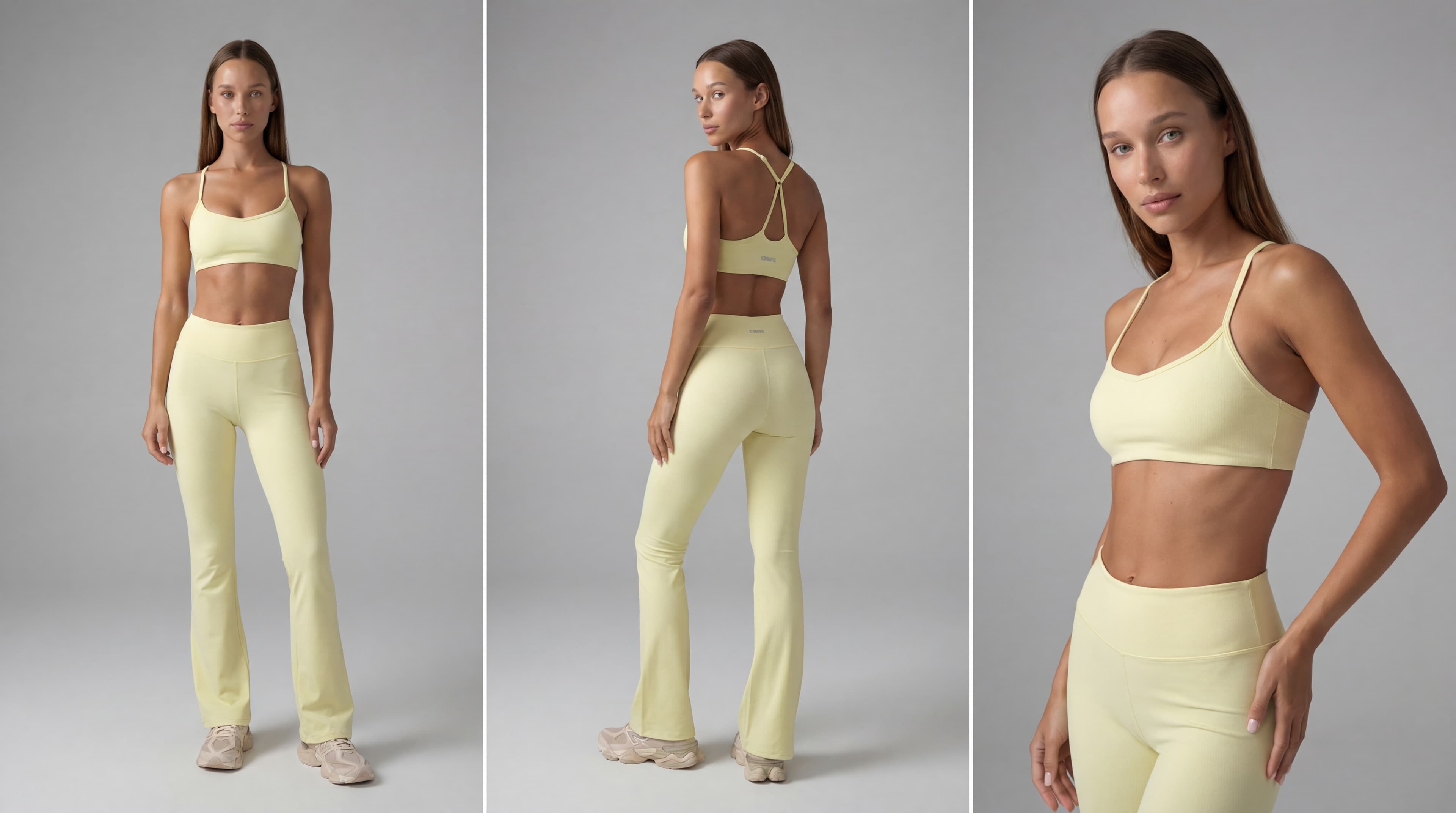
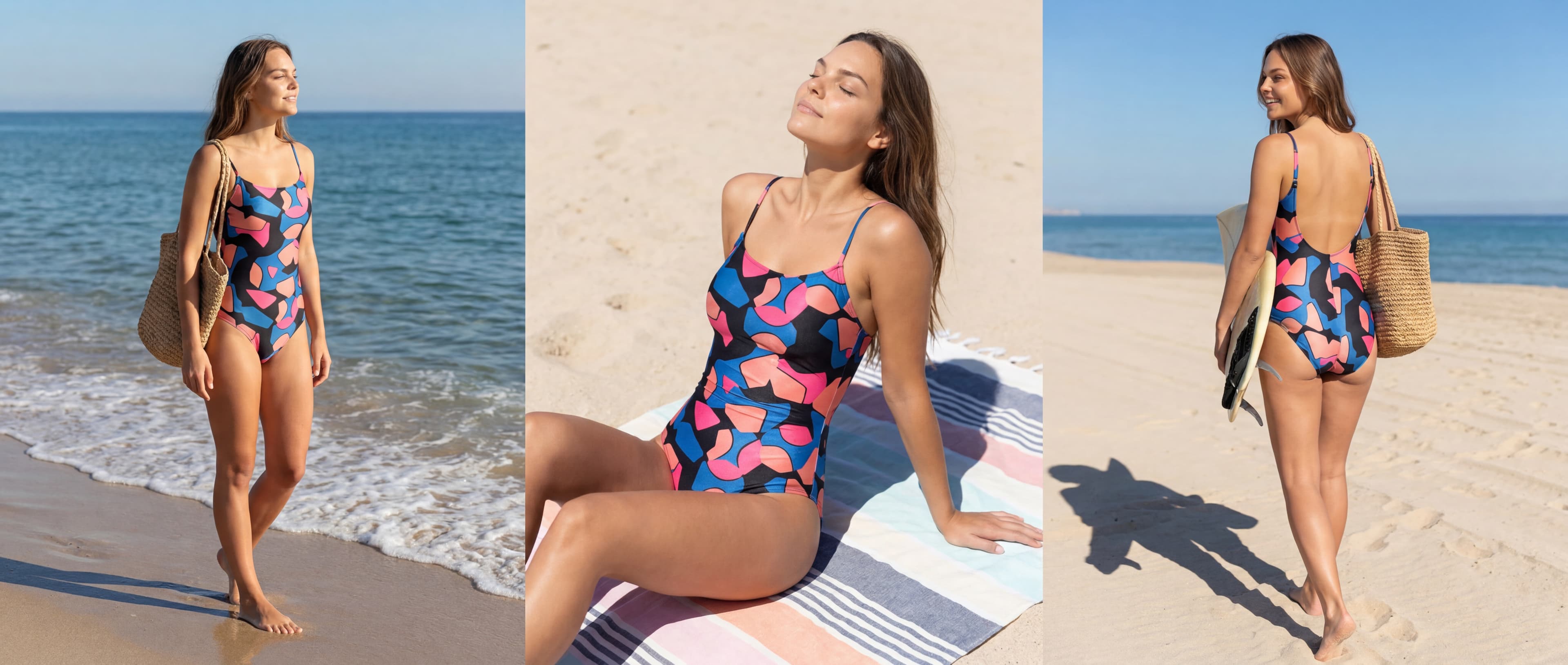
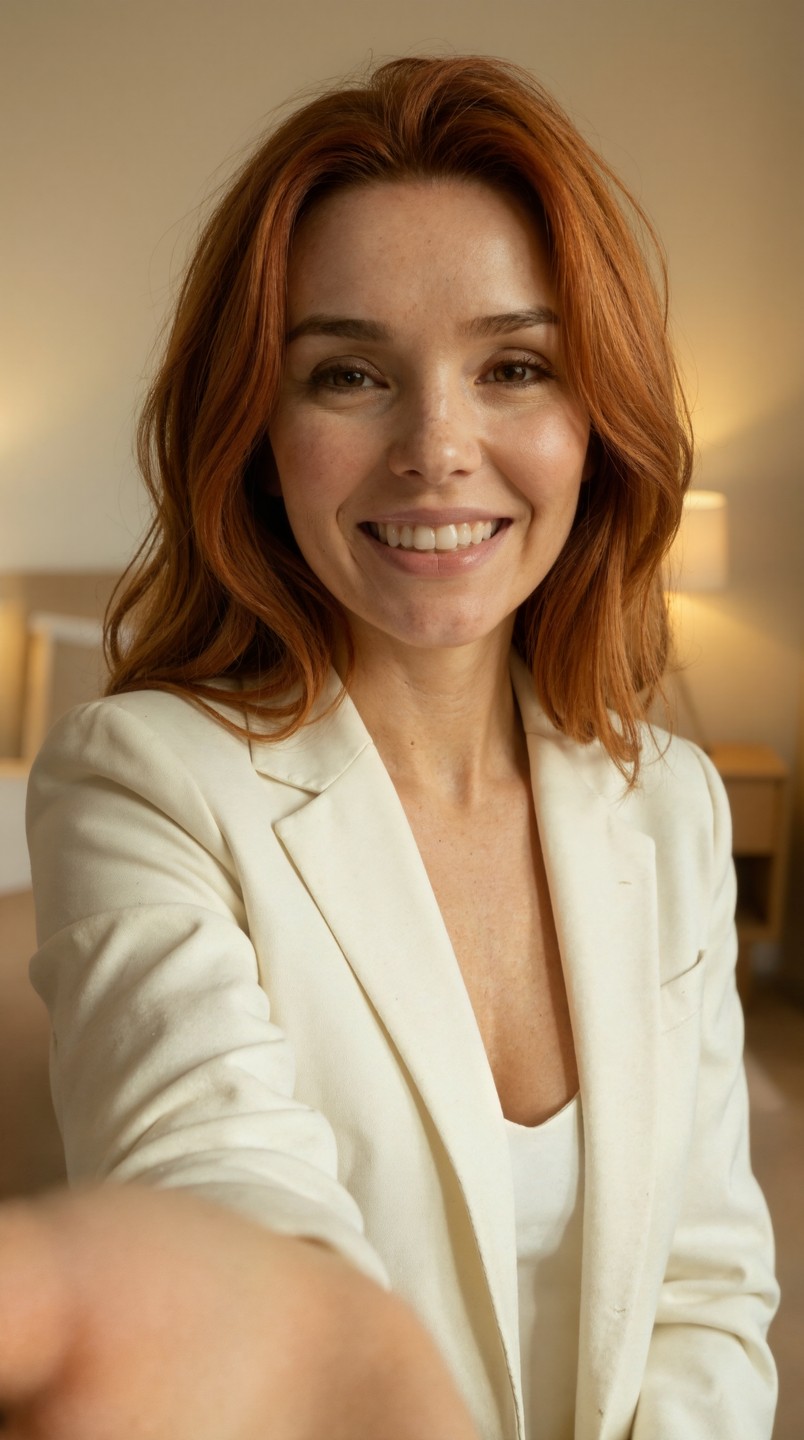
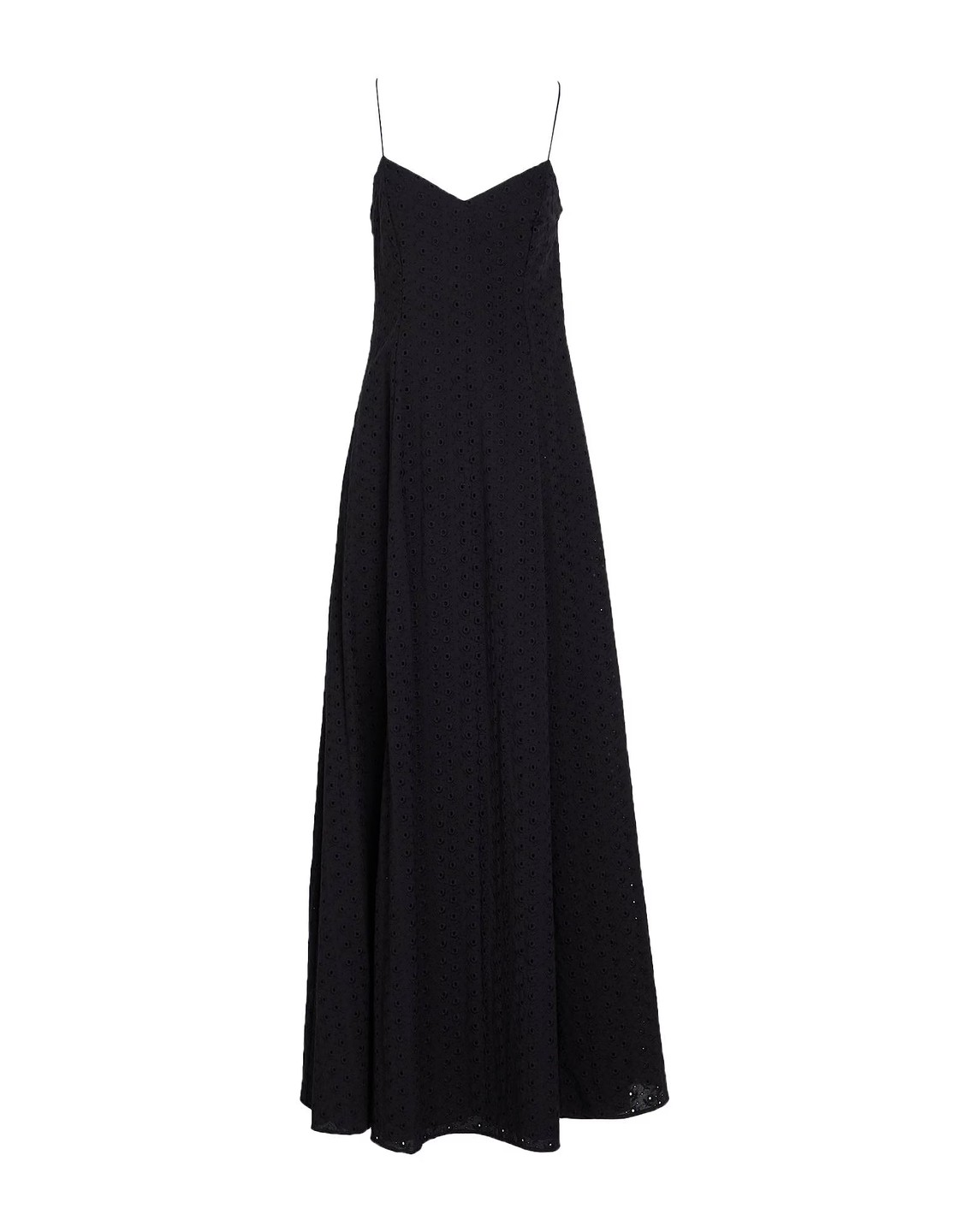
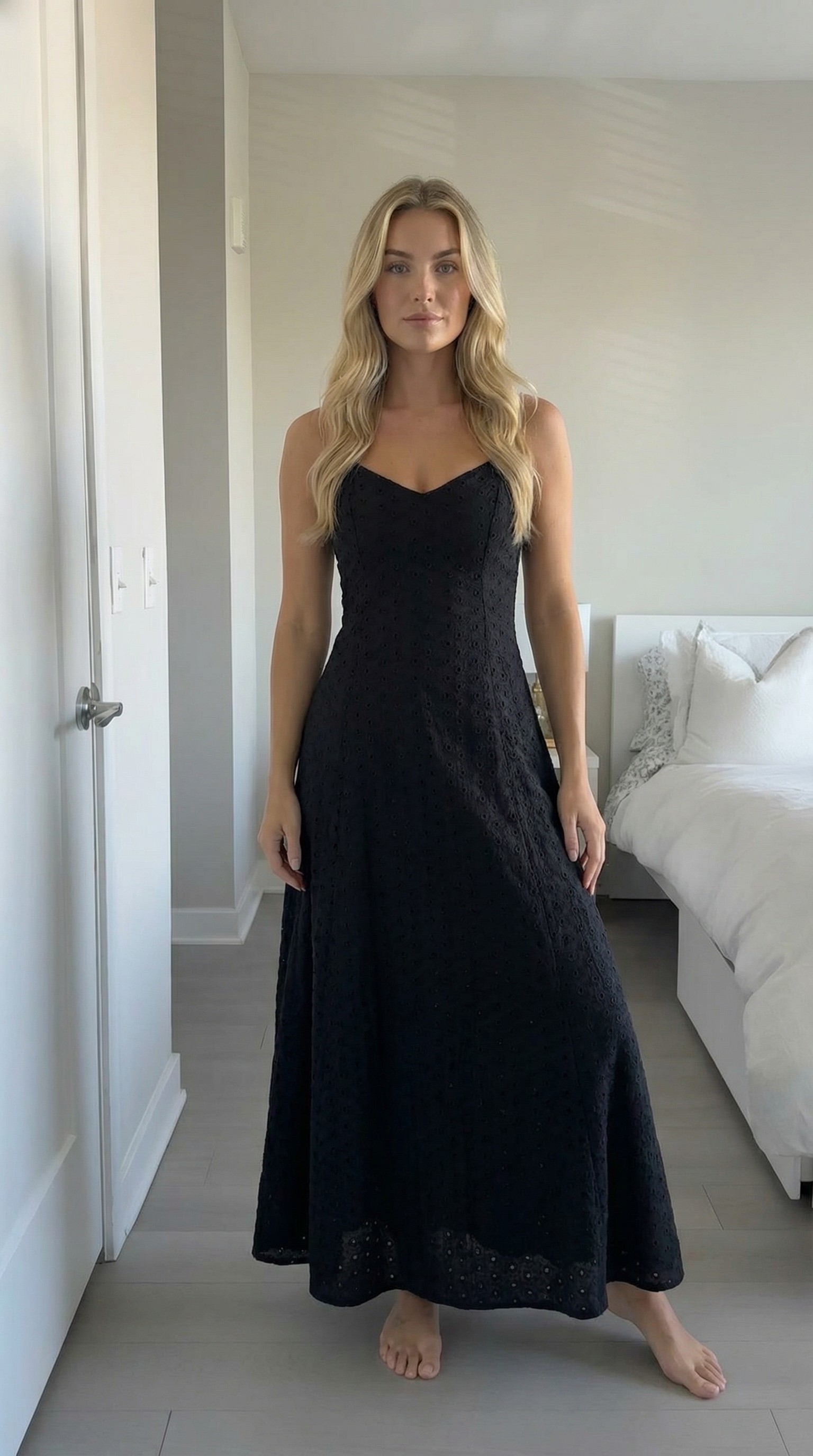
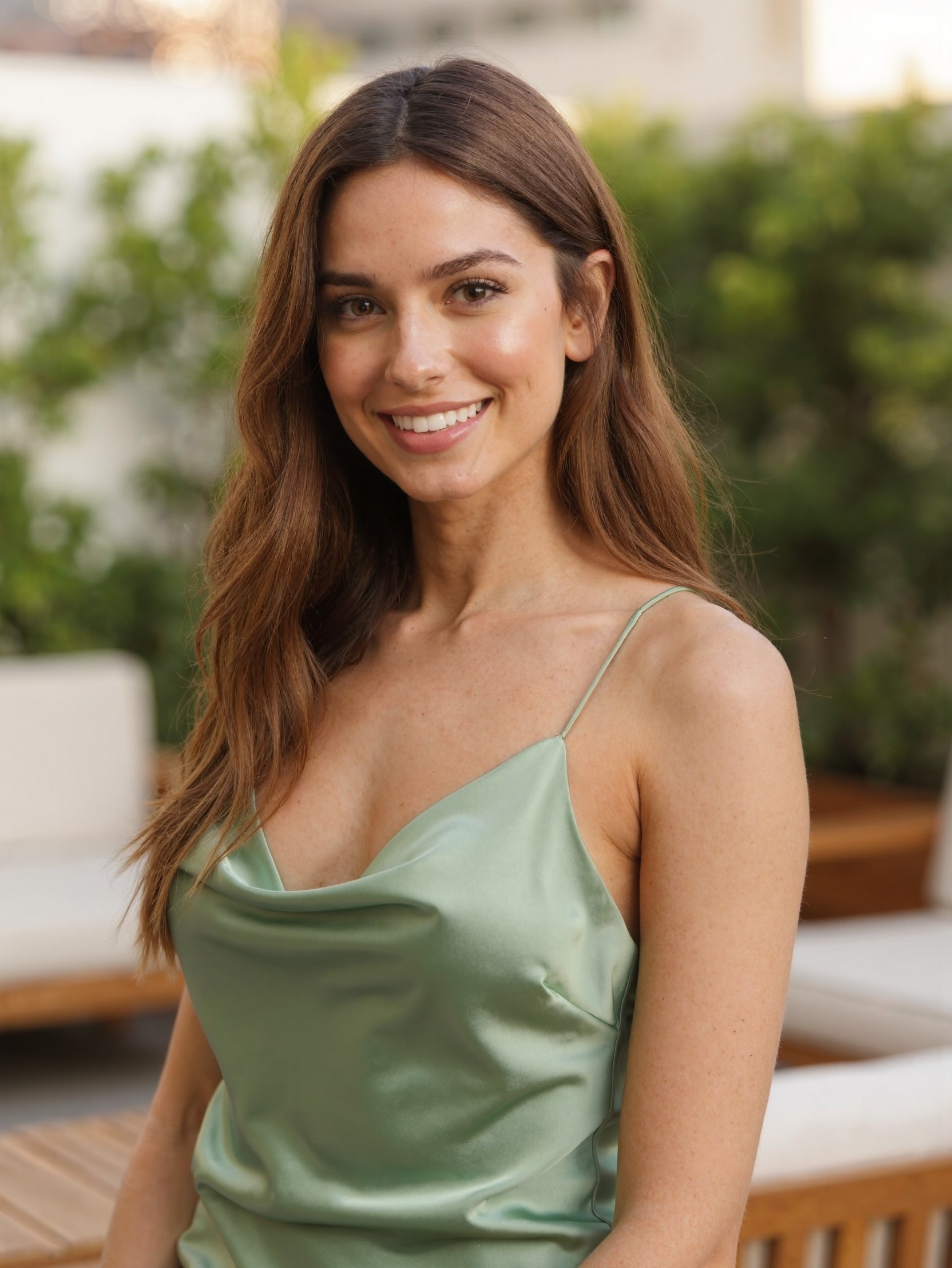
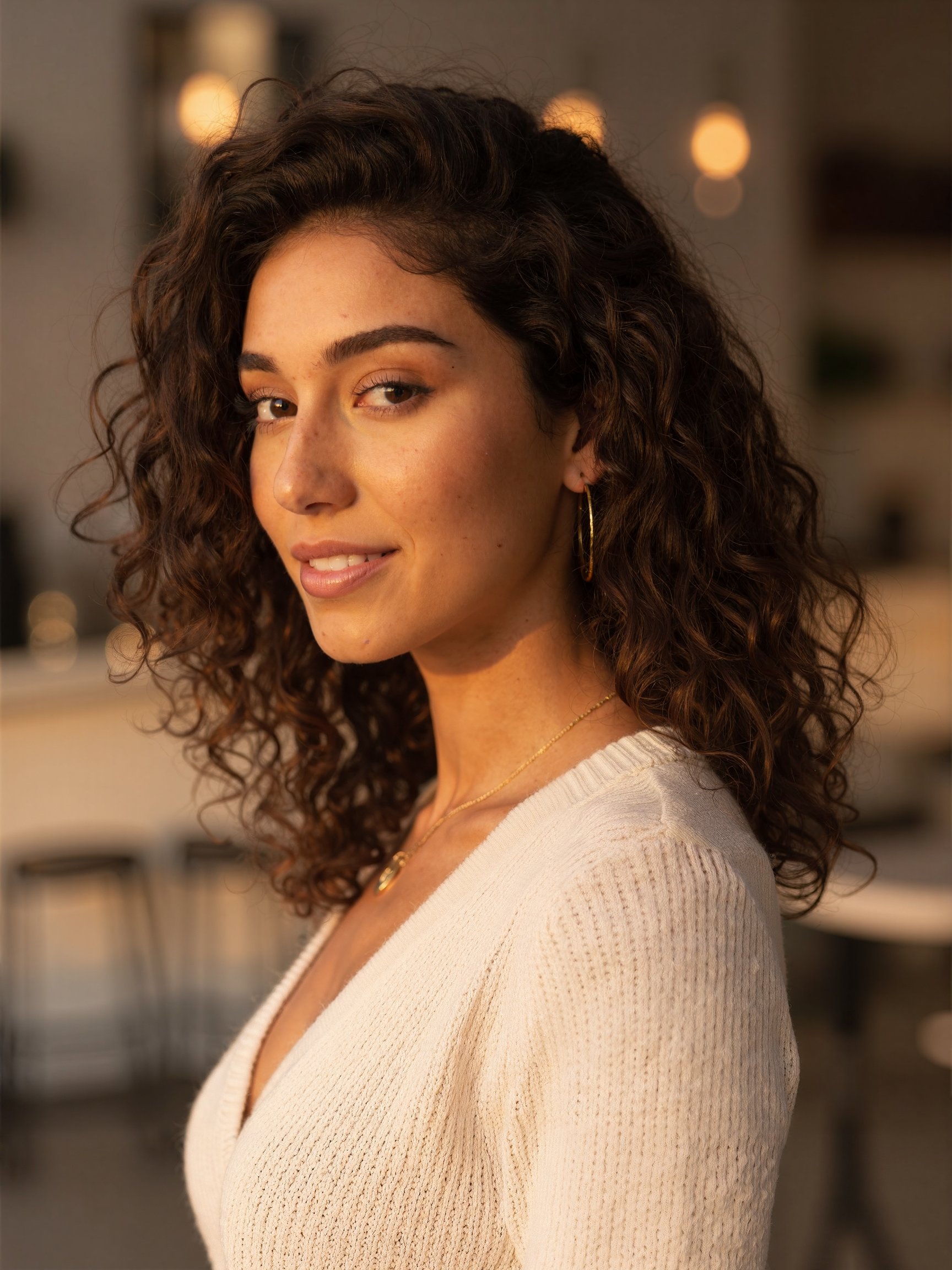
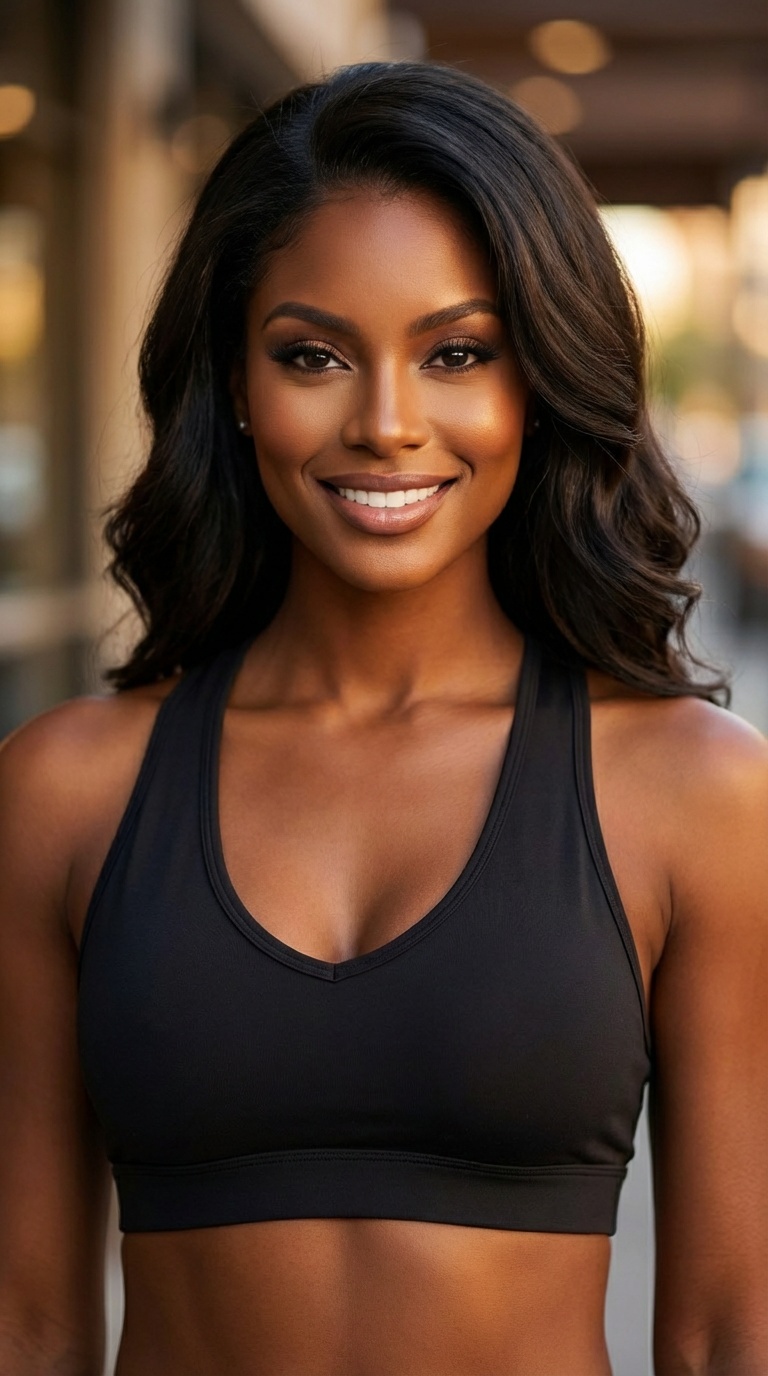
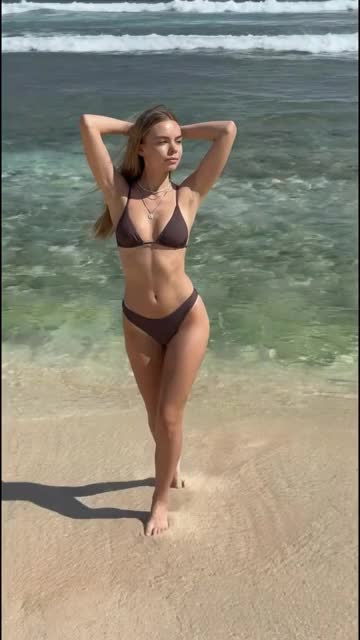
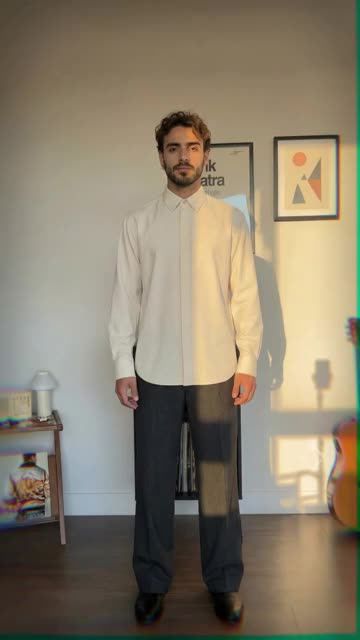
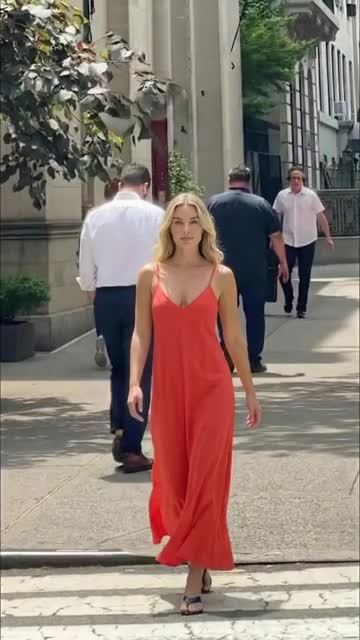
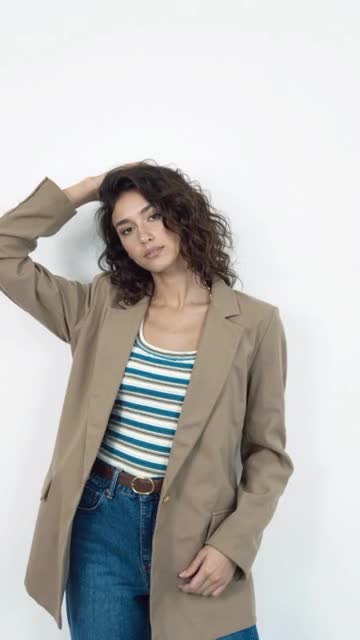
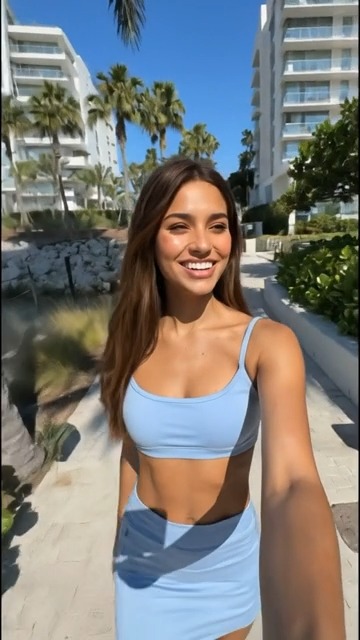
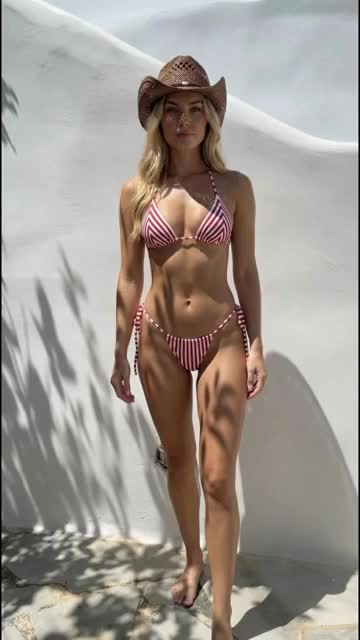
Upload a flat-lay, mannequin, or product photo and create editorial-quality lookbook images without studios or photographers.
Choose AI models, backgrounds, and styles for Shopify, catalogs, ads, and social media.
Hints:


Everything you need to know about AI lookbook generation
Upload product photos of each look (flat-lay, mannequin, or on-hanger), choose one AI model and one background style so the whole collection stays consistent, generate the on-model images, then arrange them in your lookbook layout. With the Tellos AI lookbook generator a seasonal lookbook takes hours instead of the weeks a studio shoot needs.
Upload a photo of each clothing piece (flat-lay, mannequin, on-hanger, or an existing product photo), pick one AI model and one background style for the whole collection, and generate on-model images of every look. Then put the images in order, starting with a hero look and alternating close-ups with full-length shots, and export them for your website, social media, or a PDF lookbook. The Tellos AI lookbook generator is free to start.
Yes. Upload the outfit or product photos you already have, choose an AI model and a setting, and the lookbook generator places each outfit on the model in a consistent scene. Keep the same model, lighting, and background across the set so the lookbook reads as one shoot.
An AI lookbook model is a photorealistic, AI-generated fashion model that wears your real garments in lookbook images. Tellos offers 100+ AI models across body types, ethnicities, and aesthetics, and brands can train a custom model so the same face and styling appear across every look in a collection.
An AI lookbook generator creates professional fashion lookbook images from your product photos. Upload a flat-lay or mannequin shot, choose an AI model and style, and get editorial-quality images without a studio, photographer, or production crew.
Tellos preserves fabric, texture, stitching, and fit as closely as possible to the real product. The AI models are trained to produce photorealistic results that look like a professional fashion photoshoot.
You can upload flat-lay images, mannequin shots, or on-hanger photos. Front and back views are recommended for the best results, but a single front image works too.
Yes. Choose from 100+ AI models across different body types, ethnicities, and aesthetics. Select editorial, street style, studio, lifestyle, and seasonal settings for your lookbook.
The free tier gives you a set number of generations to start. Paid plans offer bulk generation so you can create lookbook images for your entire catalog at once.
Yes. Generated images are yours to use commercially on your Shopify store, catalogs, social media, ads, email, and other marketing materials.
Yes. You can start generating lookbook images for free with no credit card required. Upgrade as your content needs grow.
No. The Tellos AI lookbook generator builds the prompt for you from your choices: the product photo you upload, the AI model, and the background or style. If you write your own prompts in another tool, a good lookbook prompt names the shot type, the model, the exact garment (color, fabric, fit, key details), the setting, the lighting, and the mood, and keeps everything except the garment the same across the set so the lookbook reads as one shoot.
Yes. Upload a clear phone photo of each garment (flat-lay, on a hanger, or on a mannequin), then reuse the same AI model and the same background style for every product. Keeping those choices fixed works like a template, so every product shot shares the same framing, light, and setting and the lookbook stays consistent across the whole collection. Even lighting and the full garment in frame give the best result.