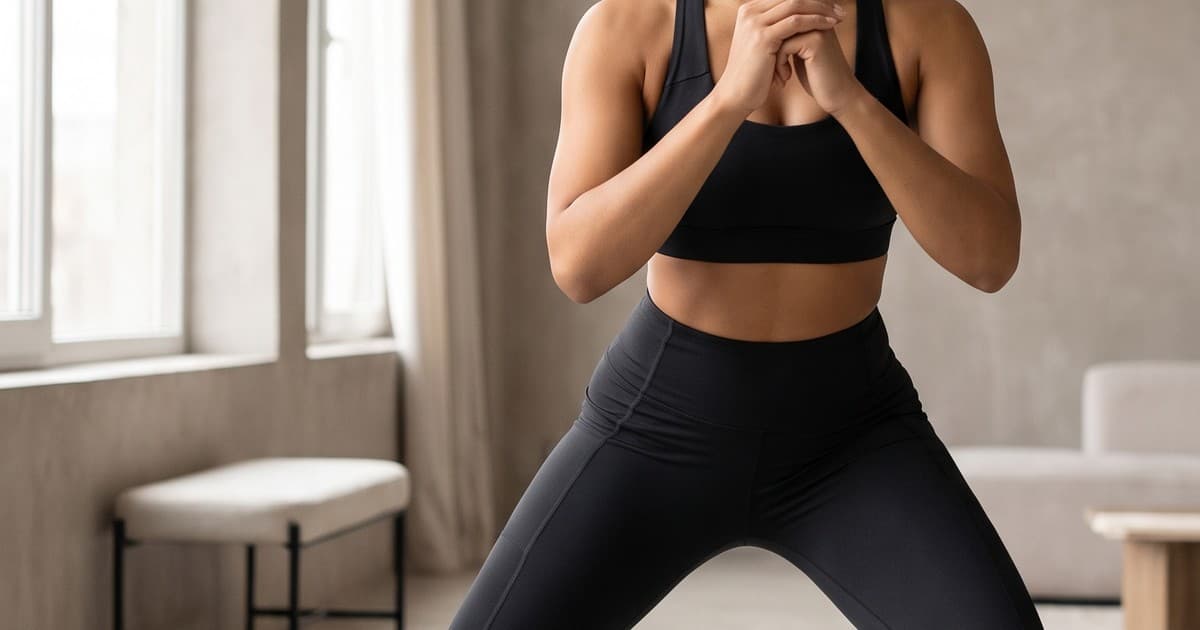
An activewear launch rarely needs one image set. It needs a product-page gallery that makes the fabric and fit legible, short videos that show movement, paid-social variants for different audiences, and seasonal creative that does not make inventory look stale. Producing all of that through conventional shoots turns every colorway, market, and campaign into a scheduling problem.
AI fashion content gives activewear teams a production system for those variants. The goal is not to make a generic workout image. It is to create product-faithful photos and video around an approved garment, with clear rules for what may change and what must not.
This guide explains where AI content fits in an activewear workflow, how to protect product accuracy, and how to turn one product sample into a useful library of ecommerce assets.
Why activewear is unusually demanding content
Shoppers use activewear imagery to answer functional questions before they buy. A shopper looking at leggings may want to see waistband height, opacity, seam placement, length, and how the fabric behaves in a squat or stretch. A shopper comparing a running jacket needs to understand its silhouette over a base layer. A shopper considering a sports bra looks for coverage, straps, and support cues.
That makes a single clean packshot necessary but insufficient. The content system has to cover several jobs:
- PDP confidence: front, side, back, detail, and fit-focused views.
- Movement context: running, training, walking, recovery, or studio moments that match the product's intended use.
- Merchandising: colors, bundles, new drops, and cross-sells.
- Performance marketing: crop, hook, background, talent, and format variants for paid channels.
- Brand storytelling: a recognizable visual point of view across product categories.
Traditional production does these jobs well, but the economics get difficult when a brand has many SKUs or frequent drops. Casting, locations, samples, retouching, and approvals expand with every variation. By the time an asset is delivered, the campaign window can already be narrower than planned.
AI does not remove the need for a product truth source or good creative direction. It removes much of the repeated coordination involved in creating controlled variants once that source is approved.
Start with product truth, not a moodboard
The fastest way to get unusable AI activewear assets is to begin with a broad prompt such as "woman in stylish gym clothes." That may make attractive content, but it does not protect garment details. Ecommerce teams should define a product truth pack before generating anything.
For each style, include:
- Approved reference images. Use clean front, back, side, and close-up views where possible. Include the actual colorway being sold.
- Locked attributes. Document neckline, strap layout, waistband height, hem, pocket placement, paneling, logo treatment, fabric finish, and color.
- Flexible attributes. Specify which variables can change: model, location, crop, pose, lighting direction, styling layers, or activity.
- Use case. Identify whether the output belongs on a PDP, a collection page, email, paid social, or editorial.
- Review owner. Assign someone from merchandising or product to approve visual fidelity before assets enter the media library.
This distinction is operationally important. A campaign still can use creative energy, but it cannot invent a different strap construction or hide a key pocket. Teams that put the fixed details in writing make reviews faster because reviewers know whether they are judging accuracy, creative direction, or both.
Build a simple asset brief
A brief can be compact. For example: "High-rise black training legging; retain V-back waistband, matte compression fabric, and side phone pocket. Show a full-body lateral lunge in a bright studio. Keep the pocket visible. Deliver 4:5 and 9:16 crops. Do not alter seam lines or add logos."
That is more useful than a vague request for "fitness content." It tells the creative operator what must be visible and what story the image should tell.
The highest-value AI use cases for activewear
Refresh PDP galleries without organizing another shoot
A product page often needs more than the baseline imagery captured at launch. A new color may arrive later. A product may move into a seasonal edit. Customer-service feedback may reveal that shoppers are confused about length or coverage.
AI-assisted production can create supplementary product-forward images from approved references, such as:
- A visible side-pocket angle for leggings and shorts.
- A back view that clarifies racerback, crossback, or adjustable straps.
- A close crop showing rib, brushed, seamless, or reflective material.
- An outfit-level image that helps a shopper understand proportion.
- A context image that makes the product category immediately clear.
The key word is supplementary. Keep canonical product shots and size information as the source of record. Use AI content to provide additional clarity and discovery surfaces, then run the same merchandising review you would run for photographed work.
Produce motion that shows the reason to buy
Still images can communicate fit, but video is especially useful for activewear because movement is part of the product promise. Short product clips can show the garment in use while staying focused on the item rather than becoming a full brand film.
Useful motions include a walk toward camera, a turn, a controlled stretch, a low-impact training sequence, or a close detail transition. Each should have a specific product purpose. For example, a run short video can keep the waistband and stride in frame, while a jacket clip can show drape and layering.
Treat Sora, Kling, Runway, and other generative video models as underlying creative technology, not as a content workflow on their own. A platform such as Tellos puts the brand's garment references, review process, formats, and output needs around that technology so the team can produce ecommerce-ready work instead of isolated experiments.
Localize creative without reshooting every market
Athleisure brands often sell across climates, communities, and retail calendars. The same product can be relevant in a winter running story, a warm-weather studio setting, or an urban commute context. Reshooting every variation is costly, and using the exact same creative everywhere can make a campaign feel less relevant.
With approved product references, teams can create controlled locale and model variations while keeping the item consistent. Define the market requirement first: activity, climate, setting, and audience should serve the campaign rather than acting as decorative prompt details. Then preserve locked garment attributes through review.
Test paid-social creative before a large shoot
Paid social rewards testing, but traditional asset production is often too slow to test the full range of hooks. AI content can help a performance team test a controlled set of concepts: studio versus outdoor context, close-up versus full-body framing, one activity versus another, or a product benefit shown in the first second.
Use a disciplined test structure. Change one major variable at a time, name each asset clearly, and connect results to the product and audience. Do not interpret a winning model or background as a universal creative rule after one campaign. The objective is to learn which product story earns attention, then invest in the variants that prove useful.
A practical production workflow
A reliable activewear workflow has more in common with ecommerce operations than with one-off image generation.
| Stage | What the team decides | Output |
|---|---|---|
| Product intake | Which references and garment facts are locked | Product truth pack |
| Creative planning | Use case, audience, activity, setting, and formats | Asset brief |
| First review | Product accuracy and crop safety | Approved still concepts |
| Variation production | Colors, talent, placements, and channel formats | Named asset library |
| Final QA | Accuracy, claims, brand safety, and exports | Channel-ready files |
| Measurement | Creative and commerce performance | Next test backlog |
1. Prioritize the SKU list
Do not attempt to create content for every product at once. Start with high-traffic styles, launches, products with weak galleries, or paid campaigns that need more testing volume. Rank each request by revenue opportunity, available reference quality, and deadline.
2. Approve stills before motion
A still is the cheapest place to catch an incorrect waistband, implausible hand placement, awkward crop, or off-brand setting. Approve a small set of still compositions before commissioning video variations. This protects budget and gives everyone a visible agreement on product representation.
3. Generate by channel, not just by product
A horizontal collection banner, a 4:5 feed image, and a vertical short-form clip should not be treated as accidental crops of one master asset. Each has a different safe area and viewing behavior. Put intended aspect ratio, duration, and focal area in the brief at the beginning.
4. Create a review rubric
Give reviewers a short checklist:
- Is the garment color and construction accurate?
- Are seams, straps, pockets, logos, and fabric finish preserved?
- Does the pose make sense for the category and activity?
- Is the product visible at the needed crop?
- Does the setting support, rather than distract from, the campaign?
- Are any performance claims implied that the brand cannot substantiate?
This prevents feedback such as "make it better" from stalling production. It also creates a record of what the brand considers acceptable for future assets.
What to avoid
AI content expands options, so governance matters. Avoid using generated creative to suggest technical performance features that are not documented by the product team. Do not let glossy lighting hide a material difference between reference and output. Do not use a movement scene that would make a garment's intended use unclear.
For activewear, several mistakes deserve special attention:
- Changing fit signals. A too-tight or too-loose rendering can mislead customers about silhouette and coverage.
- Inventing construction. Added pockets, changed inseams, or altered straps create returns and customer-service work.
- Overpromising activity. A yoga garment, trail-running piece, and high-impact bra should not be presented interchangeably.
- Ignoring inclusive fit. Use a thoughtful range of talent and ensure the garment stays accurately represented across bodies.
- Skipping human QA. Automation can accelerate production, but product and brand review remains essential.
The right standard is simple: if a shopper cannot receive the product shown, the asset should not ship.
Measure content as a commerce input
The value of AI content is not its novelty. Measure it against the business problem it was meant to solve. For PDP assets, examine engagement with galleries, add-to-cart rate, conversion rate, and return reasons where available. For paid creative, connect the variant to thumb-stop rate, click-through rate, cost per acquisition, and downstream conversion.
Maintain a basic record for each asset: product, campaign, audience, format, creative hypothesis, and result. Over time, this shows whether close-ups help a fabric-led collection, whether activity-based video improves engagement, or whether a particular backdrop only improves top-of-funnel attention.
That feedback loop is what turns a generation tool into a production advantage. It helps a team make fewer broad guesses, launch more relevant variants, and spend full shoots where their unique value is highest.
Set guardrails for scale
As volume grows, name files and requests consistently. Include the SKU, color, channel, aspect ratio, market, and creative version in each asset record. Keep the approved source references alongside exported assets, not in a separate personal folder. This makes it possible to retire a variant if product details change and to reuse a successful composition for a new colorway without confusing it with the original.
Set a clear escalation path too. A reviewer should know when a mismatch needs product confirmation, when it needs a creative revision, and when the source photography itself is incomplete. The team can then keep routine approvals moving rather than sending every question back to a large meeting. These small operating rules are what allow an activewear brand to increase output while protecting the trust a product page has to earn.
Turn one sample into a working content library
Activewear teams do not need to choose between a premium shoot and high-volume content. The practical approach is to use each for what it does best. Invest in the core photography, product samples, and creative direction that establish product truth. Then use AI workflows to expand approved products into the channel, market, and seasonal variants that ecommerce requires.
Tellos helps fashion teams create and review product-focused AI photos and video around the way their ecommerce operation actually works. See how the Tellos AI Video Studio can help your team produce more activewear content without adding another shoot to every campaign.