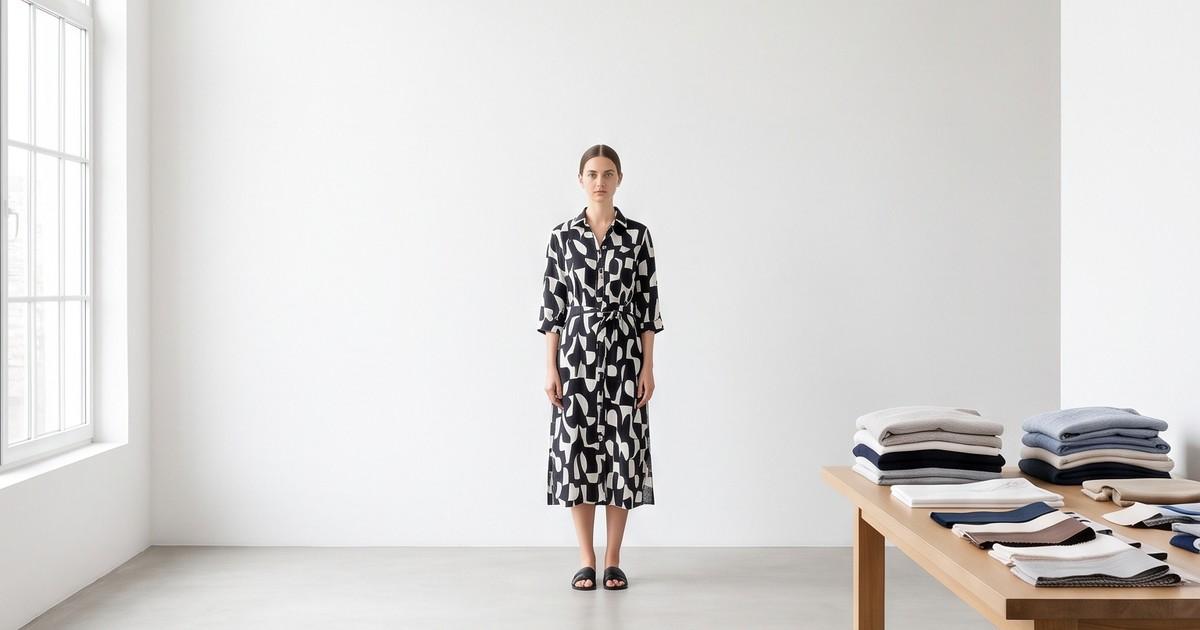
Quick answer: ChatGPT image generation is good enough for apparel concepts, moodboards, social posts, and ad mockups. It is usually not good enough on its own for product detail page (PDP) photos, where every print, seam, logo, and colorway has to match the garment the customer will receive. The model is excellent. The gap is workflow: no catalog memory, no SKU-level consistency, no fit control, and no QA step. Use it for ideas, and use a garment-locked production pipeline for anything a shopper buys from.
People now create about 4 billion images per week across ChatGPT, Codex, and the API, according to OpenAI's November 4, 2026 announcement of Images 2.6. A meaningful share of those are product shots. So the question apparel operators keep asking is fair: if a general-purpose model can produce a photoreal model in a linen shirt in a few seconds, why pay for anything else?
This post gives the honest operator answer. What ChatGPT Images is great at for clothing brands, the specific places it breaks on apparel, a simple test you can run on your own SKUs this afternoon, and where it fits next to a production platform.
What "ChatGPT Image Generation" Actually Means in Late 2026
The tool has changed a lot this year, so it is worth being precise.
- ChatGPT Images 2.6 launched on November 4, 2026. OpenAI says it generates images about 50% faster than the previous version and is better at preserving details across edits, like keeping a character's outfit when you change the background.
- In the API, the same generation ships as two models: gpt-image-2.6-sunburst and gpt-image-2.6-flare. Earlier models (gpt-image-2, the 2.5 pair) are still listed, and gpt-image-1 was shut down on October 23, 2026.
- New in 2.6: saved reference images (upload a photo once, call it later by name), animated GIF output, and markup-guided editing.
- Image generation is available on every ChatGPT plan, including Free, but OpenAI does not publish a numeric image limit for consumer plans.
In plain terms: the underlying model is one of the strongest image generators available. Many tools, including production platforms, build on models like this one. So the question is not "is the model good?" It is "is a chat window the right workflow for apparel product photos?"
Where ChatGPT Images Genuinely Works for Clothing Brands
Start with the wins. They are real, and most apparel teams should be using them.
1. Concepting before samples exist
Before you order a sample run, you can generate what a colorway, a trim, or a print placement might look like. Shopify's own guide to ChatGPT Images recommends exactly this, with a clear caveat: generated concepts are not substitutes for prototypes.
Good uses:
- Comparing three colorways for a capsule before committing fabric
- Testing a print scale on a dress silhouette
- Showing a manufacturer or wholesale buyer a direction
2. Moodboards and campaign direction
A creative director can produce dozens of directional frames in an hour: "salt flats at dusk, washed-out film tones" versus "concrete stairwell, hard flash." Founders and marketers react to pictures instead of adjectives, and the shoot brief gets sharper.
3. Background swaps on photos you already have
If you have a clean, correct product photo, ChatGPT can place it in a new setting. Images 2.6 is specifically better at keeping the subject stable while the background changes. For social posts, email headers, and blog art, this is fast and cheap.
4. Ad creative mockups
Need to see 10 ad concepts before you brief production? Chat-based generation is a quick way to pressure-test angles, layouts, and copy space before spending money. Just do not ship the mockup as the final ad if a real SKU is in it, for the reasons below.
5. Text-heavy graphics
Recent GPT Image models are strong at in-image text. For promo graphics, size-guide visuals, and launch announcements, that saves a designer round.
Where It Breaks for Apparel Product Photos
Here is the part that matters for your PDPs. None of these are bugs in the model. They are what happens when a general-purpose creative tool is asked to do a fidelity job.
1. The garment drifts
Shopify's guide says it directly: AI models "can alter logos, typography, dimensions, stitching, packaging details, and other elements that need to remain exact." In the same article, Manscaped founder Paul Tran is quoted saying it is "really hard to get your product to look right with just ChatGPT."
On apparel, drift shows up as:
- Prints redrawn instead of reproduced (florals reshuffled, stripe counts changed)
- Logos re-lettered or moved
- Hardware swapped (a matte zip becomes a shiny one, four buttons become five)
- Seams and darts relocated
- Hem length and sleeve length changed to whatever looks "right" to the model
A shopper studying a PDP at full zoom will catch these. So will your returns data. We cover the full list of failure modes in our AI clothing photo accuracy guide.
2. Color is approximate, and colorways do not stay consistent
Color is the most common reason fashion items come back. A general model renders a believable "sage green," not your sage green. Across a set of prompts, the shade can also wander.
Now multiply that by a real catalog. If a jacket ships in 8 colorways, you need 8 images where only the color changes and everything else (model, pose, crop, light) stays identical. That is a consistency problem, not a quality problem, and chat-based generation is not built for it. See how colorway production works at scale in our guide to photographing color variants with AI.
3. Fit is invented, not preserved
A generative model knows what a "relaxed blazer" generally looks like. It does not know where your shoulder seam sits, how your trousers break at the ankle, or how your size 16 drapes compared with your size 6.
For PDPs, fit is a purchase signal. A plausible fit that is not the real fit creates exactly the expectation gap that drives returns. More on that in how better product visuals reduce fashion returns.
4. No catalog memory, no SKU structure
A chat thread has no idea that SKU 4471 needs:
- Front, back, side, and a detail crop
- The same model and lighting as the rest of the collection
- 4:5 for the PDP, 9:16 for Reels and TikTok, 1:1 for marketplaces
- A short motion clip for the product page
Saved reference images in 2.6 help with reuse, but they are a convenience for one person in one chat, not a catalog system. Someone still has to manage hundreds of prompts, file names, and versions by hand.
5. The same model, every time
Brand consistency usually means a recurring cast: the same faces across a season, chosen to represent your customer. In a chat workflow, keeping a consistent AI model identity across hundreds of images and multiple people on your team is manual and fragile. Brands that need this tend to move to a brand-trained custom AI model.
6. Marketplace rules and review overhead
Marketplaces have strict image rules. Amazon's main image, for example, requires a pure white background and an accurate depiction of the product being sold. An image that "looks great" but shows a different print or extra detail can get listings flagged. Our Amazon fashion listings guide goes deeper.
The hidden cost is review time. If every generated image needs a human to compare it against the physical garment line by line, the "free" image is not free.
7. Video is a separate job
PDP motion (a model turning, fabric moving) is increasingly expected on fashion product pages. Images 2.6 can now make short animated GIFs, which is fun for social, but a GIF loop is not a garment-accurate product video. That needs a video workflow built around the same locked garment. See how AI fashion video works from product photos.
Side-by-Side: Chat Window vs Garment-Locked Production
| Job | ChatGPT Images (chat workflow) | AI production platform (garment-locked) |
|---|---|---|
| Moodboards and concepts | Excellent | Possible, not the main point |
| Social posts with no exact SKU | Excellent | Good |
| Background swap on a correct photo | Good | Good |
| PDP on-model photos | Risky: prints, logos, fit drift | Built for it: input is your real garment |
| Colorway sets (same shot, 8 colors) | Manual, inconsistent | Batch, consistent |
| Consistent model across a season | Manual and fragile | Locked cast |
| Multi-format exports (4:5, 9:16, 1:1) | One at a time | Per SKU, in one run |
| PDP and ad video | Short GIFs only | Product video from the same garment |
| Review and approval | Per image, by eye | Workflow with QA step |
The model underneath can be equally strong in both columns. The difference is everything around it.
A 30-Minute Test You Can Run on Your Own SKUs
Do not take our word for it. Run this test and decide with your own catalog.
- Pick 5 SKUs that represent your hardest cases: one engineered print, one logo piece, one knit, one tailored piece, and one item with hardware.
- Upload a clean flat lay or ghost mannequin photo of each into ChatGPT Images.
- Use one prompt for all five, for example: "Put this exact garment on a model, front view, neutral studio background, 4:5. Do not change the print, logo, color, buttons, or length."
- Score each output on 6 checks (pass or fail):
- Print or pattern matches
- Logo matches
- Color matches under neutral light
- Hardware and trims match
- Length and proportions match
- No added details (pockets, seams, stitching that is not there)
- Generate the second colorway of one SKU in a fresh chat and compare. Does everything except color stay the same?
- Time the whole thing, including prompting, regenerations, and your review.
Then do the math. If a SKU passes all 6 checks on the first try, great. If you need 4 rerolls and 10 minutes of review per image, multiply that by your monthly SKU count. That number, not the subscription price, is the real cost. For a broader cost view, see fashion photography costs in 2026: traditional vs AI.
How Smart Apparel Teams Use Both
The teams getting the most out of AI are not choosing one tool. They split the work by risk.
Low-risk, high-speed work: chat-based generation
- Moodboards and campaign concepts
- Pre-sample product ideas
- Social filler and blog art
- First-pass ad mockups
High-risk, customer-facing work: garment-locked production
- PDP on-model photos
- Colorway sets
- Marketplace images
- Product videos and paid social ads with real SKUs
- Lookbooks and wholesale line sheets
A simple rule: if a shopper can buy what is in the image, the garment in the image must be the real garment. Anything that fails that rule belongs in a workflow that starts from your actual product photo and keeps it locked. This is the same split we recommend for other general-purpose models in our post on where Midjourney fits vs an AI production platform.
What a Garment-Locked Workflow Looks Like
If you decide your PDPs need more than a chat window, here is what the production side typically involves:
- Input: your flat lay, ghost mannequin, or on-hanger photo. The garment is the source of truth, not a text description.
- Model and scene selection: pick from a consistent cast and a set of brand-approved scenes.
- Batch generation: front, back, side, and detail shots across every colorway in one run.
- Formats: export PDP, marketplace, and social ratios from the same shoot.
- Motion: turn the approved stills into short product videos for PDPs and ads.
- QA: review against the garment before anything goes live.
That is the workflow behind turning a flat lay into on-model photos at catalog scale. The models under the hood may include the same leading image and video models you already know. The value is the structure that keeps your garment accurate across every image.
FAQ
Can ChatGPT make product photos for clothing?
Yes. ChatGPT Images can generate apparel product shots and edit uploaded product photos. For concepts, social content, and mockups, results are often excellent. For PDP photos, review each image against the real garment, because prints, logos, colors, stitching, and length can change.
Is ChatGPT Images 2.6 better for product photos than earlier versions?
OpenAI says Images 2.6 is faster and better at preserving details across edits, such as keeping an outfit stable when the background changes. That helps background swaps. It does not add catalog structure, colorway consistency, or fit control, so the core PDP limits still apply.
Can I use ChatGPT images on Amazon or Shopify product pages?
You can, but you are responsible for accuracy. Marketplace rules require images to represent the product being sold, and Amazon's main image needs a pure white background. If the generated garment differs from what ships, expect returns, complaints, or listing issues.
Is ChatGPT free for product photos?
Image generation is available on every ChatGPT plan, including Free, with limits that OpenAI does not publish as a number. The subscription is rarely the real cost. Rerolls and human review time per image are what add up at catalog scale.
What should I use instead for PDP photos?
Use a workflow that starts from your actual product photo and keeps the garment locked: consistent models, batch colorways, multi-format exports, and a QA step. Keep ChatGPT for ideation and social work where exact fidelity does not matter.
The Bottom Line
ChatGPT image generation is a great creative tool, and apparel teams should use it every week. It is good enough for ideas and not yet a reliable answer for product photos, because product photos are a fidelity and consistency job, not a creativity job.
If your PDPs, colorways, marketplace listings, and product videos need to match the garment every time, you need a production workflow built around your real products.
Ready to turn your product photos into on-model images and videos that match the garment? Try the Tellos AI Video Studio and see what your catalog looks like when every image starts from the real thing.