Email is still the highest-ROI channel in fashion ecommerce. Most brands know this. And yet most email campaigns look almost identical to what brands were sending five years ago: a hero banner, a product grid, a discount code, and a "Shop Now" button.
The brands pulling ahead are doing something different. They're adding video.
Not because video is a trend — because it works. Video thumbnails in email campaigns consistently lift click-through rates. Animated product clips stop the scroll. Short motion content makes a garment feel alive in a way a static image never can.
The reason most fashion brands haven't made the leap? Production. Creating a short product video per campaign used to mean booking time with a filmmaker, a model, and a studio — for every send. That's not a marketing workflow. That's a production company.
AI changes the math entirely.
Why Video Works So Well in Fashion Emails
Static images are doing a lot of heavy lifting in email right now. They show color, styling, and composition. But they don't answer the question every shopper silently asks before clicking: What does this actually look like on a body in motion?
Fashion is tactile and kinetic. A dress isn't just a flat image — it has drape, movement, texture. A jacket has how it sits on the shoulders when you move. These details are invisible in static photography, and they're exactly what drives purchase decisions.
When a campaign email includes a short video clip of a model wearing and moving in the featured product, click-through rates improve — not marginally, but meaningfully. Email platforms like Klaviyo have documented that animated or video-driven email blocks regularly outperform static equivalents on CTR by double digits.
The other reason video works in email: differentiation. Your subscribers' inboxes are flooded with static fashion emails. A campaign with motion stands out before the recipient has even read a word.
The Traditional Production Barrier
Here's the honest picture of what video content in email used to require:
Per campaign send:
- Brief a videographer or creative director
- Book a model and studio time
- Shoot a short clip of the hero product(s)
- Edit and colour grade
- Export in multiple formats (MP4, GIF, optimised for email)
- Hand off to your ESP team for integration
A tight, efficient team might get that done in 3–5 days. More typically it takes a week, with revision rounds. And it costs money at every stage — studio day rates, model fees, editing time.
For a brand sending weekly or bi-weekly campaigns, that becomes unsustainable quickly. Most teams make a rational decision: skip the video, send the static email, move on to the next campaign.
This is where AI steps in and completely changes the workflow.
How AI Video Solves the Production Problem
AI video generation for fashion works from a single product image. Upload a flat-lay or an existing on-model photo of the hero product, and the AI generates a realistic short clip of a model wearing and moving in that garment — natural walking movement, fabric draping naturally, exactly the kind of motion that communicates fit and quality.
What used to take days now takes minutes.
The practical implications for email marketing are significant:
- Campaign-day turnaround: Generate a video asset for your campaign on the same day you're building the email. No briefing lead time, no waiting on post-production.
- One video per product, not per campaign: Your core seasonal products get video assets once. Those assets then get reused across campaigns all season.
- Batch generation: Planning an end-of-season clearance push with 12 products featured? Generate all 12 video assets in one session, then distribute them across your campaign calendar as needed.
- No production overhead: No studio, no model booking, no editing queue. Your email team owns the entire process.
For brands running AI Video Studio workflows, this is already standard practice. The video asset pipeline plugs directly into the email production calendar — no separate production team required.
What Actually Works in Email: The Format Guide
Not all video in email is created equal. The technical constraints of email clients create real differences in what works and what doesn't. Here's a practical breakdown:
Animated GIFs — The Universal Option
Animated GIFs work in virtually every email client, including Outlook (which infamously doesn't support MP4 autoplay). They render like regular images and autoplay automatically.
For fashion campaigns, a 2–4 second looping GIF of a model in motion is the most universally compatible format. The file size needs to stay under 1MB for reliable rendering and fast load times.
AI-generated video clips can be exported as optimised GIFs directly. The motion is short enough that GIF compression doesn't significantly degrade quality.
Best for: Hero banners, featured product blocks, any send where you need universal compatibility.
Video Thumbnails Linking to Product Pages
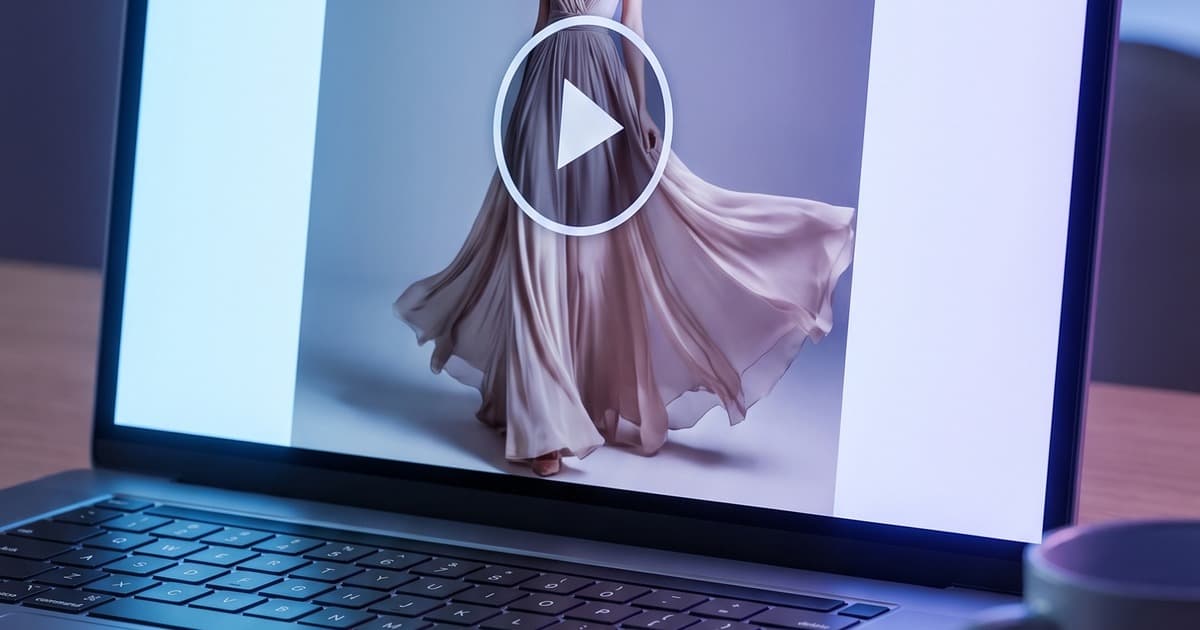
The classic approach: use a static image that looks like a video player (with a play button overlay) and link it through to the product page — where the actual video plays.
This doesn't require any video to load inside the email at all. But it creates the visual signal of video content, which increases click intent, and delivers the motion experience on the PDP where it matters for conversion.
This approach also has a useful side effect: it pulls traffic to the product page specifically, not just to a homepage or generic collection.
Best for: Brands using AI model videos on product pages who want to funnel email traffic directly to those PDPs.
HTML5 Video (MP4) — Where Supported
Apple Mail, iOS Mail, and some other clients support native MP4 autoplay. For segments of subscribers likely on Apple devices (a significant share for most fashion brands), you can deliver a genuine autoplaying video experience.
The implementation typically falls back to a GIF or static image for unsupported clients, so it's an enhancement, not a replacement. Your ESP should handle the fallback automatically.
Best for: Brands with good ESP technical support and high iOS subscriber concentrations.
Video Preview Cards
Some ESPs (notably Gmail in certain configurations) show video preview cards in the inbox preview when structured properly. This is a higher-friction implementation but can drive open rates as well as CTR — the motion preview appears before the subscriber has even opened the email.
This is still a somewhat experimental area, but it's worth testing for your most important sends.
ESP Compatibility: What You Need to Know
Before building video into your email workflow, it's worth understanding where your ESP stands:
| ESP | GIF Support | MP4 Autoplay | Notes |
|---|---|---|---|
| Klaviyo | ✅ Full | ✅ With fallback | GIF is recommended default; MP4 block available |
| Mailchimp | ✅ Full | ⚠️ Limited | GIF-first approach is safest |
| Shopify Email | ✅ Full | ❌ | GIF only |
| Omnisend | ✅ Full | ✅ With fallback | Good MP4 support via dedicated video block |
| ActiveCampaign | ✅ Full | ⚠️ Limited | GIF recommended |
For most fashion brands on Klaviyo (the dominant ESP in fashion ecommerce), animated GIFs are the pragmatic default. They work everywhere, they look great, and they require no special configuration.
If your brand has a high percentage of iOS Mail subscribers and you want to deliver native video, Klaviyo's content block system supports this with automatic GIF fallback for non-supporting clients.
Building a Campaign Video Workflow with AI
The operational question isn't just can you add video to email — it's how you build it into a repeatable, sustainable workflow. Here's how high-performing fashion email teams are doing it:
Step 1: Identify Hero Products for Each Campaign
For a seasonal send, you're likely featuring 3–8 hero products. These are your video candidates. Not every product in every email needs a video — focus on:
- The hero product (the one the campaign is built around)
- High-margin items you want to drive volume on
- New arrivals where customers have no visual memory of the product
Step 2: Batch-Generate Video Assets Before the Campaign Window Opens
Use AI to generate short video clips for each identified hero product at the start of the season — not the day before a send. This creates a library of campaign-ready video assets you can draw from throughout the season.
A single afternoon of AI generation can produce video assets for an entire seasonal campaign calendar. This is the same batch logic that works so well for AI shooting days.
Step 3: Export Optimised for Email
From your AI-generated video:
- Export as MP4 (for campaign archive and PDP use)
- Create a 2–4 second looping GIF at under 1MB (for email use)
- Save a strong single-frame still as fallback image
Step 4: Integrate Into Your Email Template System
If you're on Klaviyo, build a "campaign with hero video" template variation. The video block replaces the static hero banner. Everything else stays the same. This makes it easy for your email team to switch to the video template for any campaign where assets are ready.
Step 5: Track and Iterate
Set up your UTM parameters so you can measure video vs non-video campaign performance. Run A/B tests where one segment gets the animated hero, another gets the static image. Let the data guide your video investment going forward.
The Seasonal Campaign Use Case
Video content in email becomes particularly powerful during high-intensity seasonal windows — end-of-season sales, new collection launches, holiday pushes.
These are the moments when your subscribers are most engaged, most likely to convert, and also most likely to be bombarded with campaigns from every brand they follow. A campaign with a compelling motion element cuts through.
For a new collection launch email, an AI-generated video clip of the hero look moving naturally on a model is a direct sales asset. It answers "what does this actually look like" before the subscriber has clicked through.
For a sale email, video of multiple discounted products in a loop draws attention across more SKUs than a static grid.
For a re-engagement campaign (targeting lapsed subscribers), a striking visual asset with motion is exactly the kind of thing that earns back an open and click from someone who'd tuned out.
The brands building robust fashion content calendars are already thinking about video assets as part of the content plan from day one — not as a last-minute addition.
Video in Email + Video on PDP: The Full Funnel Picture
Here's where the strategy gets really interesting. When you combine video email content with AI model videos on your product pages, you create a coherent motion experience across the full customer journey.
The email shows the product in motion → the subscriber clicks through → the PDP shows the product in motion again → the visual language is consistent → confidence increases → the add-to-cart rate goes up.
This is increasingly the standard for competitive fashion ecommerce. Fashion ecommerce visual strategy in 2026 isn't just about photography anymore — it's about motion at every touchpoint.
Brands that add AI-generated video to their PDP stack consistently see improvements in time on page and reduction in return rates (because customers have a better understanding of fit and movement before they buy). Connecting that PDP video to the email campaign creates a reinforcing loop.
What AI Video Doesn't Replace in Email
It's worth being clear about what AI-generated video is for, and what it isn't.
AI video excels at:
- Catalog-level product content: on-model movement clips for every SKU
- Campaign hero assets: a strong motion clip for your featured product
- Variant coverage: showing the same garment in multiple colorways in motion
AI video isn't a replacement for:
- Brand campaign films with narrative storytelling
- Behind-the-scenes content and founder/team video
- Real customer UGC in email (which serves a different trust function)
The highest-performing fashion email programs use AI video for their product motion content and maintain investment in brand film and UGC for their authentic storytelling content. These aren't competing — they fill different roles in the email calendar.
This mirrors the broader conversation around UGC vs AI product photography: each has its place, and smart brands use both.
Getting Started: The Minimal Viable Test
If you're not currently using video in your email campaigns, the simplest possible starting point is this:
- Pick your next major campaign (new collection, sale, seasonal send)
- Identify one hero product
- Generate a short AI video clip of that product on-model
- Export as a looping GIF under 1MB
- Build one email variant with the GIF as the hero, keep everything else identical to your standard template
- Send to a 20% test segment, compare CTR against the control
You'll have directional data within a single send. If the lift is there — and for most fashion brands, it will be — you scale the workflow.
Start Adding Motion to Your Email Stack
The production barrier that kept video out of most fashion email programs is gone. AI generates on-model video assets from product images in minutes, at a fraction of what traditional video production costs, and with the consistency you need to run it at scale across an entire campaign calendar.
If your email program is already performing well with static images, adding AI video to your hero assets is one of the highest-leverage incremental improvements available right now.
Tellos AI Video Studio generates on-model product videos from flat-lays and existing product photos — ready for email, PDPs, and social in one workflow. Fashion brands are using it to build campaign video libraries in hours, not weeks.
Start generating your campaign video assets at jointellos.com.